Flixier
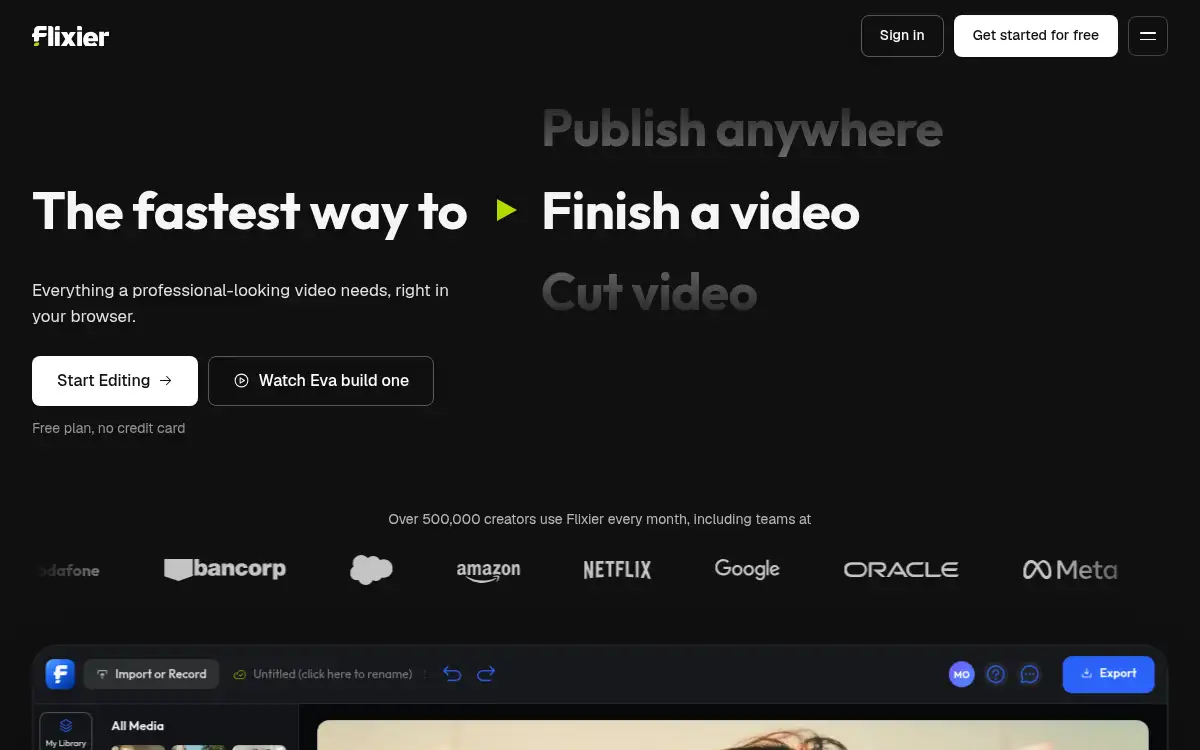
Open SiteFlixier is a browser-based AI video editor that lets you generate, edit, and publish videos entirely in one place — without downloading any software. It's built for content creators, marketers, and teams who need to go from raw footage or AI-generated clips to a finished video fast.
Added on April 26, 2026
Product Information
What is Flixier?
Flixier is a fully browser-based AI video editor that combines video generation, editing, and publishing into a single workflow — no software download required. It lets users generate AI video clips directly inside the editing timeline using models like Veo 3, Kling, and Sora, then immediately trim, add voiceover, captions, and effects without switching tools. The platform supports screen recording, transcript-based editing, subtitle generation and translation across 130+ languages, and real-time team collaboration. It runs on any device including Chromebooks and processes exports using cloud rendering, making professional-grade video production accessible to individuals and teams alike.
How to use Flixier?
- Sign up for free at flixier.com — no credit card or software installation needed.
- Import your media by uploading files, recording screen/webcam, or connecting cloud storage (Google Drive, Dropbox).
- Use the AI video generator to create clips from a text prompt, or edit existing footage directly in the timeline.
- Add subtitles, voiceover, music, and effects using the built-in AI tools — translate subtitles to + languages in one click.
- Export your video in up to K and share or publish directly to your preferred platform.
Core Features
- AI Video Generation in Timeline — Generate clips from text prompts using top AI models (Veo , Kling, Sora) directly inside the editing interface, without leaving the project.
- Transcript-Based Editing — Delete words from the transcript and the video edits itself, making dialogue-heavy videos fast to cut and refine.
- AI Subtitle & Translation — Auto-generate accurate captions and translate them into + languages with AI-powered voiceover matching.
- Cloud Rendering & Browser-Based Editing — All processing happens in the cloud, so any device — including Chromebooks — can produce professional exports in minutes.
- Real-Time Team Collaboration — Multiple editors can work on the same project simultaneously, leave timeline comments, and apply shared brand kits across videos.
- Screen & Webcam Recording — Record directly in the browser and seamlessly add footage to the timeline without external software.
- Multi-Format Export — Export in MP, MOV, GIF, and more, in resolutions up to K, optimized for every major platform.
Use Cases
- Social Media Content Creation — Creators use Flixier to produce Reels, TikToks, and YouTube Shorts quickly by combining AI-generated clips with real footage and auto-captions.
- Marketing Video Production — Marketing teams create product demos, ads, and onboarding videos with brand kit consistency and team collaboration baked in.
- Online Education & Training — Educators and L&D teams record screen tutorials, add subtitles, and translate content into multiple languages for global audiences.
- Video Localization — Agencies and businesses auto-translate subtitles and dub voiceovers for international markets in one streamlined workflow.
- Long-Form Video Repurposing — Content teams cut highlights from podcasts, webinars, or interviews by editing the transcript rather than scrubbing the timeline.