Inflight
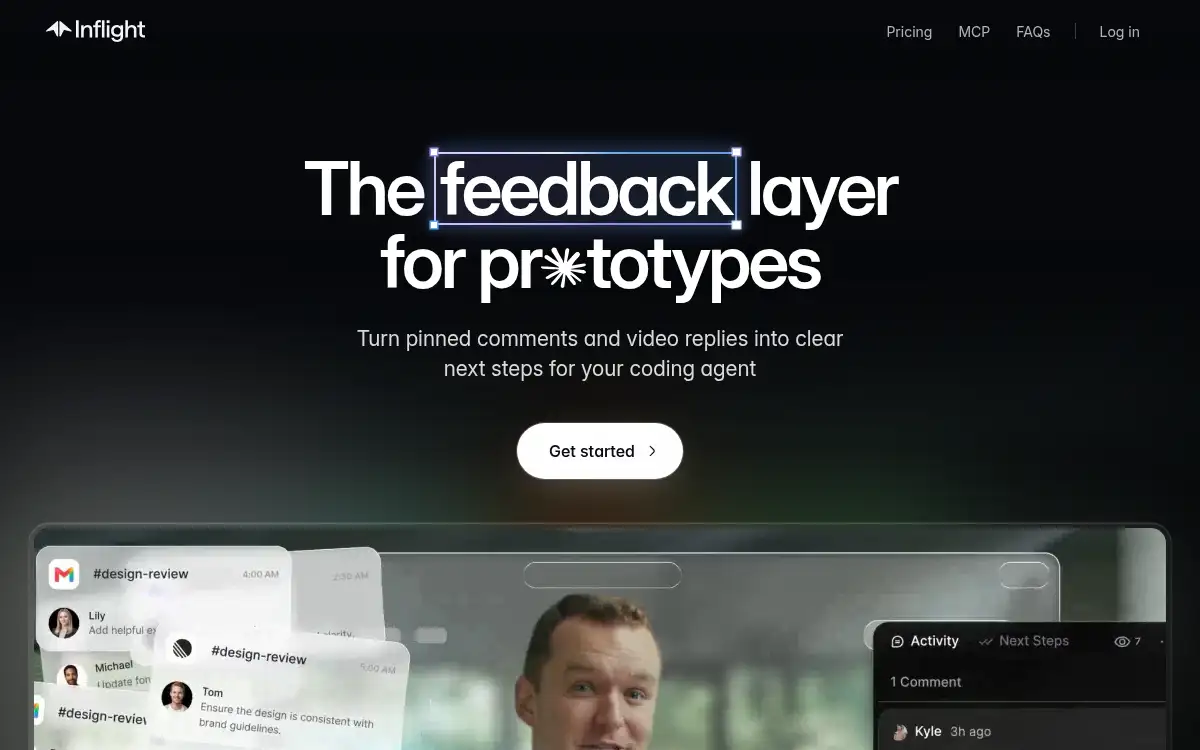
Open SiteInflight adds pinned comments and video feedback directly on live prototypes, then turns that feedback into next steps coding agents can pull in over MCP. It is for design and product teams who prototype first and want review notes to reach Cursor, Claude Code, or Codex without retyping.
Added on October 29, 2026
Product Information
What is Inflight?
Inflight is a feedback layer that lives inside preview links and HTML prototypes. Reviewers pin comments to real UI elements or record video on the running app, so critique stays attached to what they actually saw. The product organizes that input into clear next steps and exposes them through an MCP server for coding agents. Teams sync the same thread with Slack, keep prototypes in folders with version history, and add the toolkit with one script tag. It targets designers and builders who ship prototypes early and need agent-ready feedback without juggling Loom links and chat threads.
How to use Inflight?
- Add the Inflight script to your preview URL or HTML prototype.. Share the link with reviewers so they can open the live prototype.. Ask reviewers to pin comments on elements or record short video replies.. Connect Inflight MCP in Cursor, Claude Code, or Codex.. Pull structured next steps into the agent and ship the fixes.
Core Features
- Pinned element comments — Attach feedback to real UI elements with automatic screenshots.• Built-in video replies — Capture Loom-style notes inside the prototype instead of separate links.• Agent-ready next steps — Turn review notes into structured tasks coding agents can consume over MCP.• Slack sync — Mirror comments into Slack threads and bring Slack replies back into Inflight.• One-script embed — Drop the toolkit onto existing preview links or HTML files.• Prototype library — Organize prototypes with folders and version history.• Structured questions — Prompt reviewers with specific questions to get actionable answers.
Use Cases
- Design review on clickable prototypes before engineering starts.• Collect stakeholder feedback on HTML previews without leaving the demo.• Hand curated UI fixes to Cursor or Claude Code through MCP.• Keep product, design, and eng aligned in one prototype-linked thread.• Replace scattered Loom + Slack notes with element-anchored feedback.