Makify AI
Open SiteMakify AI is an AI creative platform for generating and editing images and videos with models like GPT Image, FLUX, Seedream, Seedance, MiniMax, and Wan—built for creators and marketers.
Added on November 1, 2026
Product Information
What is Makify AI?
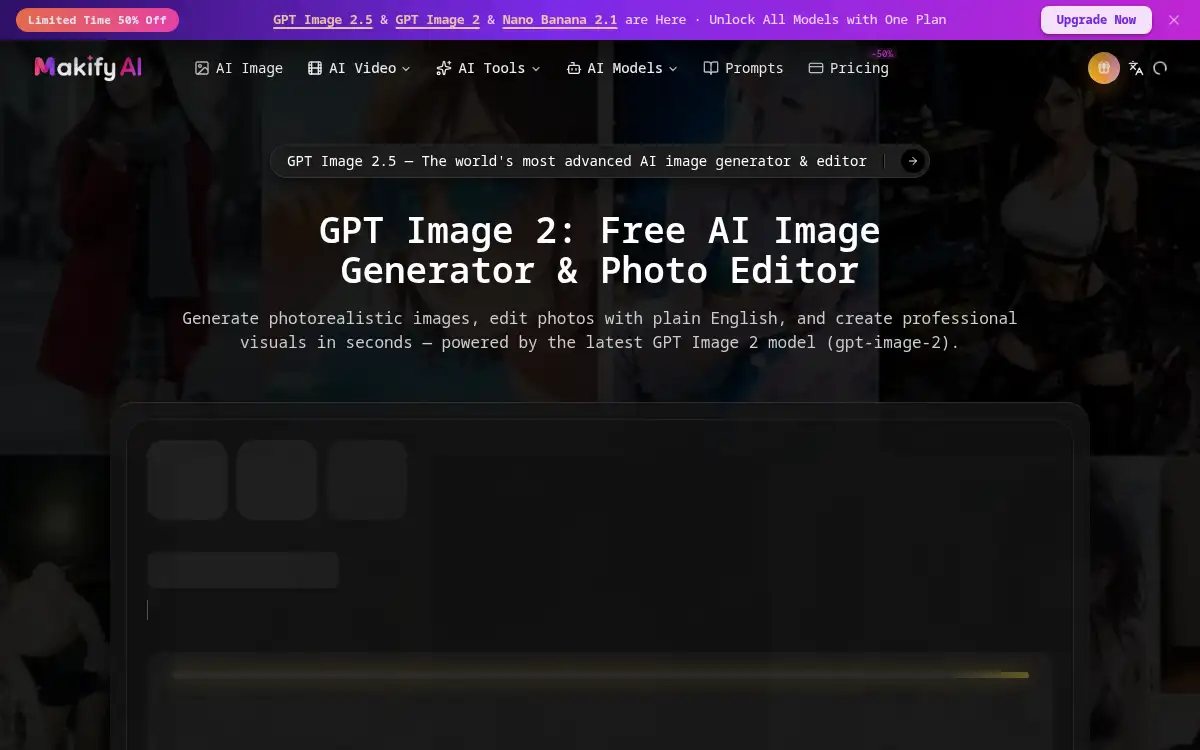
Makify AI (formerly AI GPT Image) is a multi-model creative suite for image and video generation plus photo editing. Teams can generate photorealistic stills, edit with plain-language instructions, render text in images, and produce short videos from the same workspace. The catalog highlights GPT Image 2.5 alongside options such as FLUX, Seedream, Nano Banana, Gemini Omni Flash, Seedance, MiniMax H3, and Wan. Tooling covers image-to-image, upscaling, expansion, product photography helpers, outfit generation, and related utilities. It targets creators, marketers, designers, and product teams who want commercial-ready visuals without juggling separate model sites.
How to use Makify AI?
- Open makifyai.com and choose an AI Image or AI Video workflow.
- Pick a model (for example GPT Image 2.5 for stills or Seedance/MiniMax for video).
- Enter a prompt and optional references; for edits, describe the change in plain English.
- Generate, review, and refine with follow-up edits or alternate models as needed.
- Download the result for social, ads, product pages, or further production.
Core Features
- Multi-model image gen — Access GPT Image, FLUX, Seedream, Nano Banana, and related image models.
- Conversational photo edit — Change lighting, subject, or layout with plain-English instructions.
- Strong text rendering — Produce UI mockups, posters, and diagrams with readable in-image text.
- AI video generation — Create clips with Seedance, MiniMax, Wan, and similar video models.
- Creator toolset — Upscale, expand, combine, unpixelate, product shots, and outfit helpers.
- Commercial license framing — Positioned for marketing and product visuals with free trial credits.
Use Cases
- Marketing creatives — Generate campaign stills and short video hooks from one brief.
- Product photography — Produce lifestyle and packshot variants without a full shoot.
- UI and mockups — Render interface screenshots and store pages with accurate text.
- Social content — Spin image and video variants for different platforms and formats.
- Design exploration — Compare model outputs before committing to a final art direction.