Choicer Voicer
Open SitePlay Choicer Voicer online in your browser: imitate character lines with a microphone, record dub takes, compare performances, and generate practice scenes with AI Creator—no signup required to start.
Added on November 5, 2026
Product Information
What is Choicer Voicer?
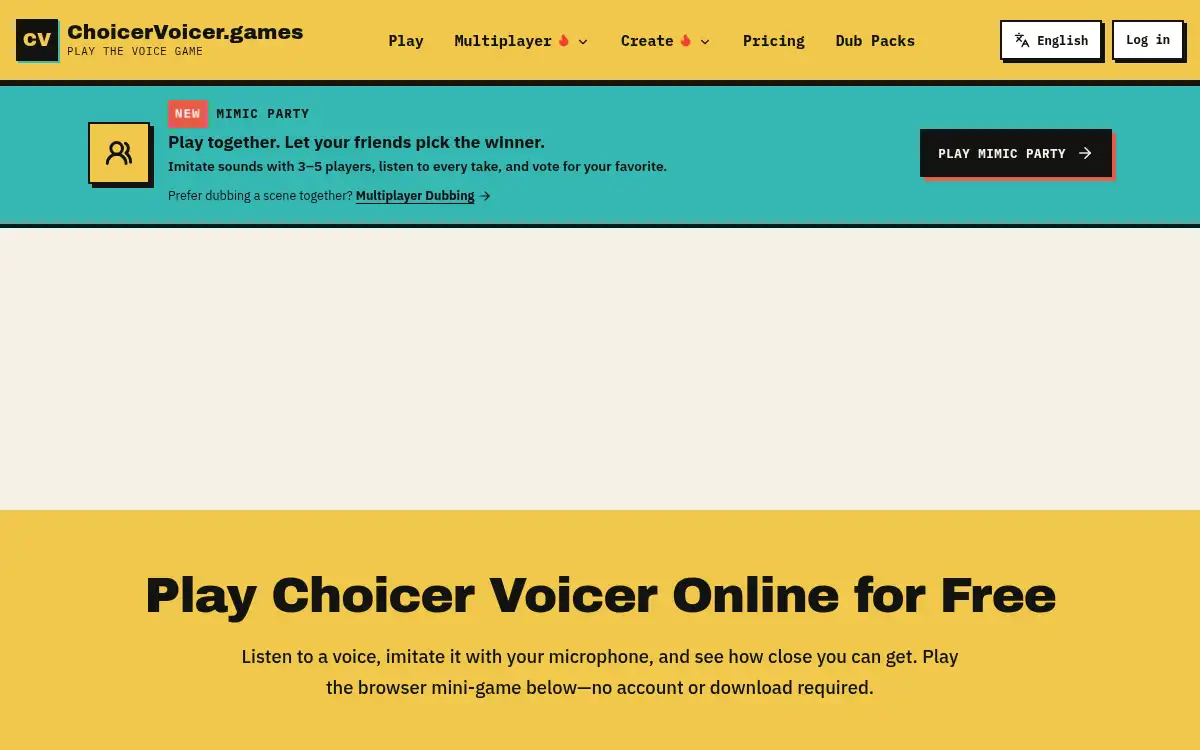
Choicer Voicer is a browser-based voice imitation and dubbing game. Players pick short scene packs, listen to character lines, record takes with a microphone, and compare timing and vocal energy. Multiplayer modes such as Mimic Party let friends perform and vote on the best take. An AI Creator can generate video scenes for practice, and finished dubs can be reviewed and downloaded as MP4. It targets language learners, voice actors, streamers, and anyone who wants a fun, account-light way to practice speaking and dubbing online.
How to use Choicer Voicer?
- 1. Open choicervoicer.games and press Play—no account or download required to start
- 2. Choose a Dub Pack scene or create a practice clip with AI Creator / Upload video
- 3. Listen to each line, grant microphone access when you press Record, and capture your take
- 4. Review timing and vocal energy, then re-record lines as needed
- 5. Download the finished MP4 or join Mimic Party / Multiplayer Dubbing with friends
Core Features
- • Native browser dub stage — Choose packs, hear lines, record, and compare without installing an app
- • Microphone imitation game — Match character delivery and timing in short scenes
- • Multiplayer Mimic Party — 3–5 players perform, listen to every take, and vote for a winner
- • AI Creator — Generate video scenes for dubbing practice from prompts
- • Upload video — Bring your own clip into the dub workflow
- • MP4 export — Review and download finished dubs; sign in for creator export and saved projects
- • Free community packs — Play included packs without signup; Dub Packs add more scenes
Use Cases
- • Voice actors warming up with short character-line imitation drills
- • Language learners practicing pronunciation and delivery through scene packs
- • Friends hosting a Mimic Party to vote on the funniest or closest take
- • Streamers creating quick dub clips for social posts
- • Creators testing AI-generated practice scenes before a full recording session