Image3D
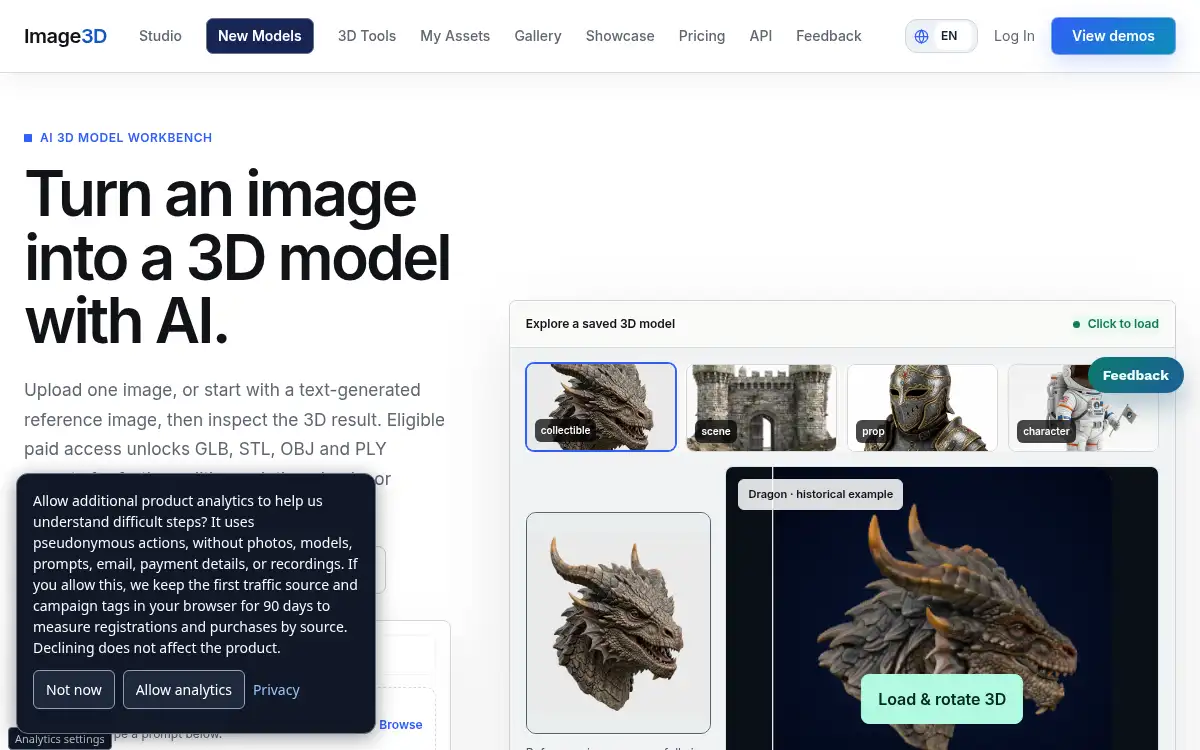
Open SiteImage3D is an AI-powered 3D model generator that converts any photo or text prompt into a ready-to-use 3D model you can preview in-browser and export as GLB, OBJ, STL, or PLY.
Added on November 4, 2026
Product Information
What is Image3D?
Image3D is an AI 3D workbench for turning a single reference image or short text prompt into a mesh you can inspect in the browser. Creators choose image-to-3D or text-to-3D, review the result live, then export formats that fit web preview, Blender cleanup, 3D printing, or game prototyping. Generation uses credits, while eligible paid access unlocks downloads across GLB, OBJ, STL, and PLY. It is built for designers, makers, and studios who need fast concept models without a full traditional modeling pipeline.
How to use Image3D?
- 1. Open image3d.io and sign in with Google or GitHub
- 2. Pick Image to 3D or Text to 3D in the parameters panel
- 3. Upload a PNG/JPG/WebP reference or enter a short prompt
- 4. Generate the mesh and inspect it in the in-browser 3D viewer
- 5. Export GLB, OBJ, STL, or PLY when the result fits your next workflow
Core Features
- • Image to 3D — Upload one photo and generate a mesh for preview and export
- • Text to 3D — Describe a shape or object when you do not have a reference image
- • In-browser viewer — Inspect the result before committing credits to downloads
- • Multi-format export — GLB, OBJ, STL, and PLY for web, CAD, print, and games
- • Credit-based generation — Pay per model generation with pack or subscription options
- • Pro and Ultra modes — Higher-fidelity routes for creators and heavier studio work
- • Maker packs — One-time credits that never expire for project-based usage
Use Cases
- • Product designers prototyping meshes from concept photos before Blender cleanup
- • Makers checking printable STL shapes from a single reference image
- • Game and AR teams generating quick GLB assets for early previews
- • Studios converting short text briefs into draft 3D models for client reviews