Knock agent for Slack
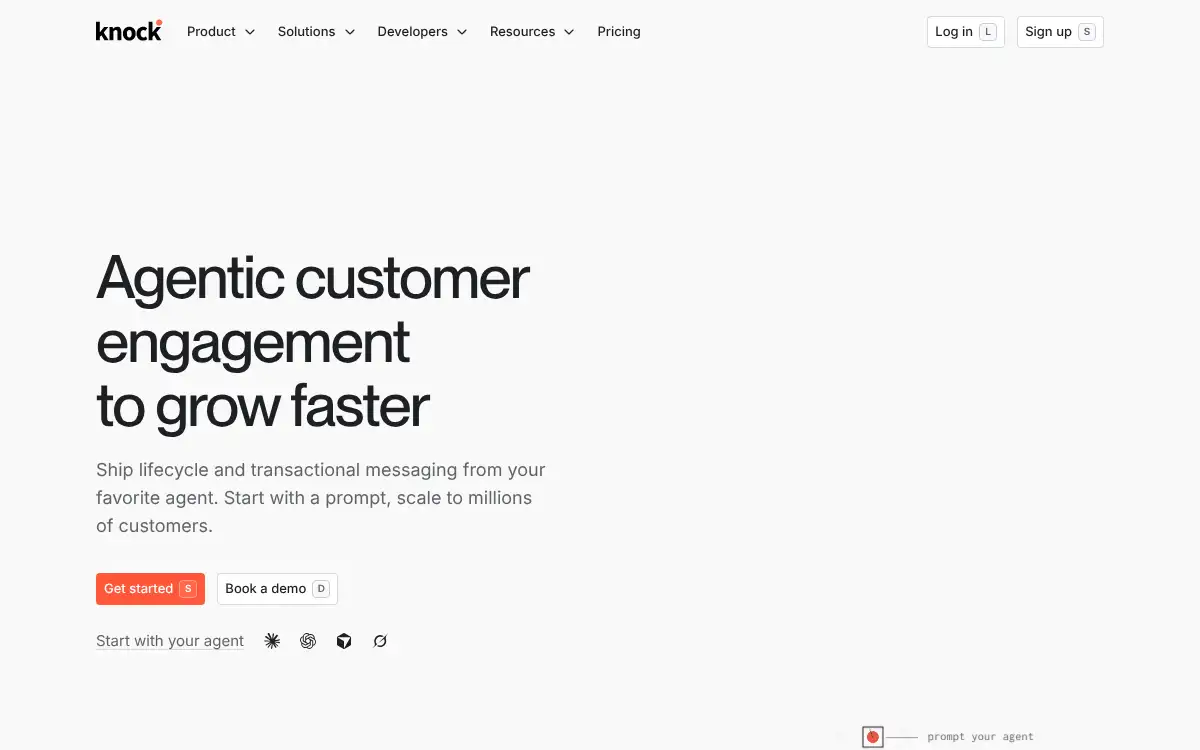
Open SiteKnock agent for Slack lets teams build, manage, and ship customer messaging from Slack as part of Knock's customer engagement platform. It is built for product, marketing, and customer teams that need faster collaboration around lifecycle messaging.
Added on June 11, 2026
Product Information
What is Knock agent for Slack?
Knock agent for Slack brings customer messaging work into the place many teams already collaborate. It connects Knock's product, marketing, and transactional messaging platform with an AI agent-led workflow that can help create broadcasts, improve existing messages, and guide users through engagement tasks. The broader platform supports workflows, guides, broadcasts, and developer integrations. It is best suited for teams that want more control and speed when shipping lifecycle and customer communication.
How to use Knock agent for Slack?
- Create or log in to a Knock workspace and connect the relevant product messaging setup.
- Use Slack or Knock's interface to ask the agent for help with a messaging task.
- Describe whether you want to build a broadcast, improve current messaging, or understand a guide or workflow.
- Review the suggested message structure, audience, and delivery channel choices.
- Ship, test, and iterate on customer messaging from the Knock workflow.
Core Features
- Slack-based messaging work — Lets teams manage customer messaging from an existing collaboration hub.
- AI agent assistance — Helps draft, improve, and reason about broadcasts and lifecycle messages.
- Cross-channel workflows — Supports product, marketing, and transactional communication flows.
- Guides and broadcasts — Provides structured tools for in-product and campaign messaging.
- Developer-friendly platform — Includes APIs, CLI, and MCP-oriented workflows for technical teams.
- Team collaboration — Gives product, marketing, and engineering teams a shared place to refine messaging.
Use Cases
- Lifecycle campaign creation — Draft and ship customer messages for activation, retention, or updates.
- Messaging optimization — Ask the agent for ways to improve existing product or marketing communication.
- Product team collaboration — Coordinate message copy, targeting, and workflow logic from Slack.
- Developer-integrated messaging — Combine APIs and workflow tools for transactional customer communication.