Manga Translator
Open SiteManga Translator is a browser tool that translates manga and comic pages in images or PDFs: it recognizes the text, removes the original lettering, and typesets the new lines back into the panels. Readers and translation teams can review and export the result, with batch jobs and an API for larger volumes.
Added on November 21, 2026
Product Information
What is Manga Translator?
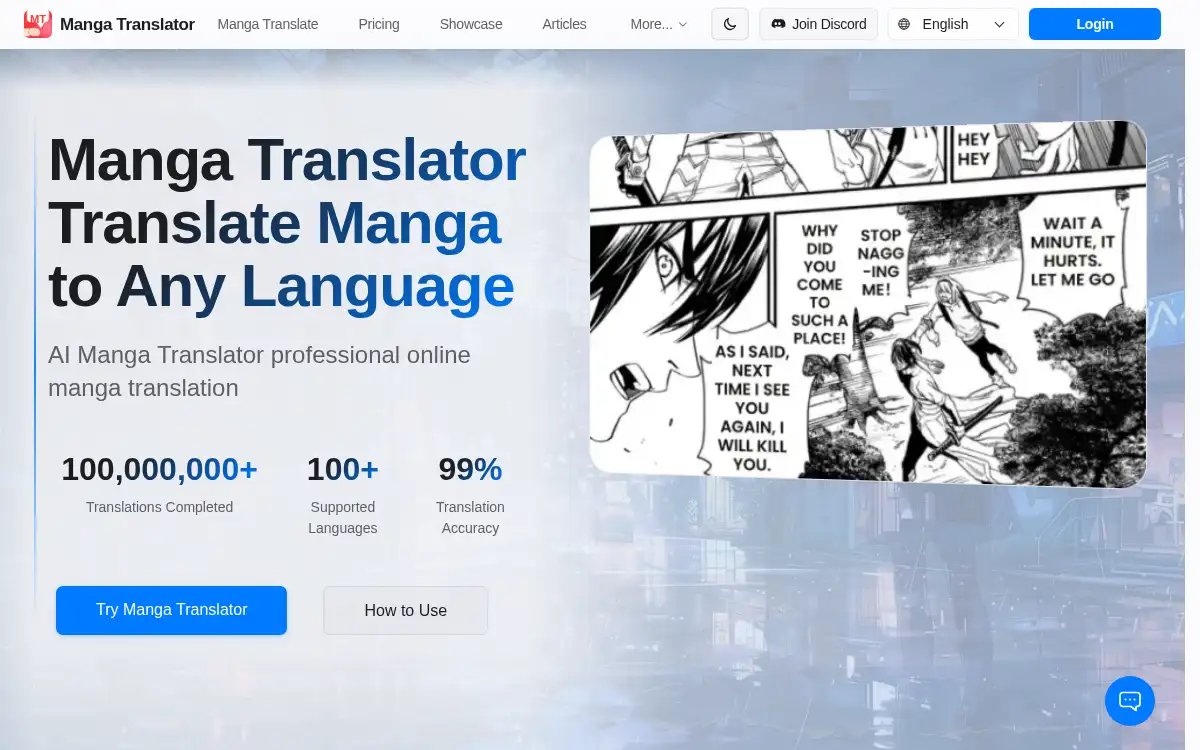
Manga Translator (mangatranslate.com) is an online manga and comic translator for images and PDFs. You choose a source and target language, a recognition model, a translator, and a font style, then upload JPG, PNG, WebP, AVIF, PDF, or a ZIP/TAR archive (up to 15MB per page). It runs OCR, erases the original lettering, translates the lines, and reflows them into the panels. Recognition models include Manga and EagleEye at 1 credit per page and Ultra at 2 credits; translators include Auto, GPT, DeepSeek, and Grok. Without signing in you can use 5 free credits per day, shared per public IP; registered users can check in for 5 free credits each day. Subscriptions start at $8/month for Basic (1,800 translations plus 180 bonus) and $30/month for Pro (7,000 plus 700 bonus); a yearly Ultra plan is listed at $288. Pay-per-use packs and an API (from $100) are also offered, and paid plans are advertised without a watermark.
How to use Manga Translator?
- 1. Open mangatranslate.com and choose the target language, recognition model (Manga, Ultra, or EagleEye), translator (Auto, GPT, DeepSeek, or Grok), and font style; set the source language when the model requires it
- 2. Upload images, a PDF, or a ZIP/TAR/TAR.GZ archive (JPG, JPEG, PNG, WebP, and AVIF are supported, up to 15MB per page); translation starts automatically after upload by default
- 3. Wait for the typeset pages, then open the editor if you want to adjust wording, fonts, or placement
- 4. For larger batches, leave the job in the background queue and optionally enable email notice when more than 20 images finish
- 5. Export the finished pages as a ZIP or PDF, or use the API if you are integrating a studio workflow
Core Features
- • Image and PDF manga translation — OCR, lettering removal, translation, and automatic typesetting in the original panels
- • Recognition and translator choice — Manga or EagleEye at 1 credit per page, Ultra at 2 credits; Auto, GPT, DeepSeek, or Grok for the translation step
- • Font styles — Comic, calligraphic, modern, classic, brush, and other lettering presets, or Auto
- • Batch and background queue — Upload chapters as images, PDFs, or archives and download everything when the job finishes
- • In-browser editor — Review dialogue, fonts, and layout before export as ZIP or PDF
- • 100+ languages — Source and target lists cover major manga languages and a long tail of others
- • Credits, plans, and API — 5 free daily credits, monthly Basic and Pro plans, yearly Ultra, pay-per-use packs that do not expire, and an API for high-volume work
Use Cases
- • Read a manga or manhwa chapter in your language when no official translation is available
- • Typeset a fan or studio translation and review speech bubbles before you export the pages
- • Batch-translate a volume or archive and collect the results as a ZIP or PDF
- • Hook a translation pipeline up to the API when you need credits at studio volume