Nafy AI
Open SiteNafy AI is a browser AI music studio: describe a song or paste lyrics to generate a track, then make covers, edit sections, extend songs, remove vocals, and turn audio into a singing or music video. A free plan is available, and paid plans can include commercial rights.
Added on November 20, 2026
Product Information
What is Nafy AI?
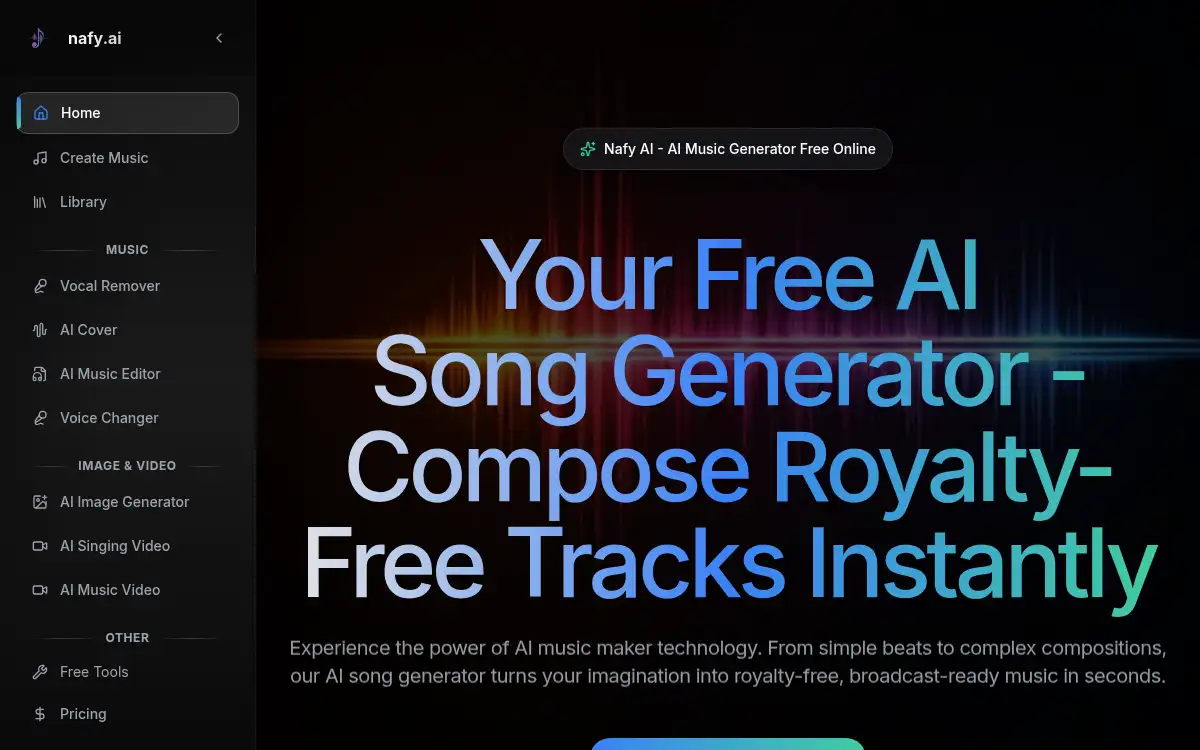
Nafy AI (nafy.ai) is an online AI music generator from OMNIRA LABS PTE. LTD. You start from a plain-language description or from lyrics, set style, mood, voice, tempo, and instruments, and generate a full song, including an instrumental option. The same site also offers an AI song cover generator (change lyrics or genre while keeping the original melody), an editor for replacing sections, music extension, a vocal remover, and tools that turn a track into a singing or music video. Covers are described as taking about 2–5 minutes after you upload audio (MP3, WAV, FLAC, M4A, or OGG, up to 20MB) or record from a microphone. A Free plan offers 3 songs / 1.5 generations per day with 14-day storage; paid Basic, Standard, and Pro subscriptions and pay-as-you-go credits are available, with yearly Basic billed at $149 ($12.42/month). The site says paying customers receive commercial rights, subscriptions can be canceled anytime, and yearly plans can include a commercial license certificate.
How to use Nafy AI?
- 1. Open nafy.ai and start on Create Music, or sign in if you already have an account (a free plan is available)
- 2. Enter lyrics or describe the song in plain language, then set style, instruments, tempo, vocal gender, and whether you want an instrumental
- 3. Generate the track and play it back; download it when you are happy with the result
- 4. Optionally open a specialized tool: upload a song to the AI Song Cover Generator to change lyrics or style while keeping the melody, edit or extend a section, or run the vocal remover
- 5. If you want a video, use the singing-video or music-video tools with your audio and any character or story settings the form provides
Core Features
- • Text or lyrics to song — Describe a mood and genre, or paste lyrics, and generate a complete track with optional vocals or an instrumental
- • Style and voice controls — Choose genre, mood, tempo, instruments, and male, female, or surprise-me vocals before you generate
- • AI song covers — Upload a song and change the lyrics or musical style while the site keeps the original melody; useful for parodies, translations, or genre remakes
- • Edit and extend — Replace a selected section or grow a track with new bridges, outros, or other continuations that aim to match the existing style
- • Vocal remover — Separate vocals from a mixed track to get an instrumental stem in the browser
- • Music and singing videos — Turn a finished song into a music video, or make a lip-synced singing video from a face photo and a track
- • Plans for casual and commercial use — Free daily generations, paid subscriptions and pay-as-you-go credits, and commercial rights on paid plans
Use Cases
- • Drafting an original song — Type a mood or paste lyrics and generate a first complete track without a DAW
- • Making a cover or parody — Upload a song, write new words or pick a new genre, and keep the recognizable melody
- • Cleaning or reshaping a mix — Remove vocals for a karaoke or remix bed, or regenerate one section of an AI track
- • Publishing with rights — Use a paid plan when you need commercial use, for example on streaming or video platforms
- • Pairing audio with a short video — Build a singing or music video around a track you just made or uploaded