Seed Imagine
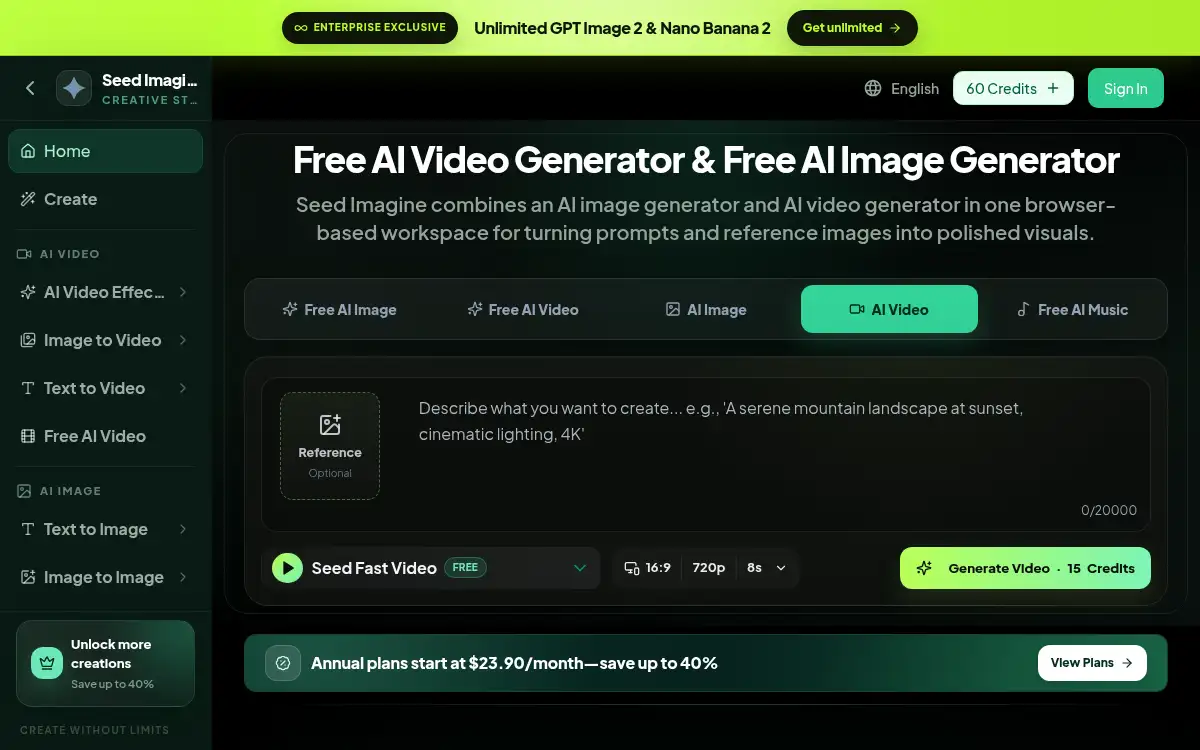
Open SiteSeed Imagine is a free browser AI creative studio for text-to-image, image-to-image, text-to-video, image-to-video, upscaling, and related effects in one workspace.
Added on November 5, 2026
Product Information
What is Seed Imagine?
Seed Imagine is a web-based AI image and video generator that gathers text-to-image, image-to-image, text-to-video, image-to-video, upscalers, background removers, and popular effect workflows in one creative studio. Creators write a prompt or upload a reference photo, pick a model or effect, and generate polished visuals without installing desktop software. The catalog surfaces many image and video model options so teams can try different looks for ads, Shorts, product shots, and concept art. It is aimed at marketers, social creators, designers, and anyone who wants a single browser workspace for AI stills and motion.
How to use Seed Imagine?
- 1. Open seedimagine.com and enter the Creative studio
- 2. Pick a tool such as Text to Image, Image to Video, Text to Video, Upscaler, or an effect
- 3. Enter a prompt and/or upload a reference image
- 4. Choose a model or effect preset and generate the image or clip
- 5. Review My Creations, refine the prompt, and download or continue editing
Core Features
- • Text to image — Generate stills from natural-language prompts with focused image models
- • Image to image — Edit, transform, and restyle existing photos
- • Text to video / image to video — Turn written scenes or stills into short AI clips
- • AI video effects — Explore kiss, hug, dance, and other effect-style workflows
- • Image upscaler — Increase resolution for ecommerce, print, and design
- • Cleanup tools — Background remover and watermark remover in the same studio
- • Unified workspace — Browse models and keep creations in one browser account flow
Use Cases
- • Marketers drafting ad creatives and social video concepts from prompts
- • Creators animating product photos into short image-to-video clips
- • Designers upscaling or restyling reference images for decks and mockups
- • Teams comparing multiple AI image/video models in one studio
- • Educators and founders prototyping visual explainers without desktop editors