Video Background Remover
Open SiteAI-powered video background remover that strips backgrounds from MP4/AVI/MOV clips online so you can export clean footage without a green screen.
Added on November 2, 2026
Product Information
What is Video Background Remover?
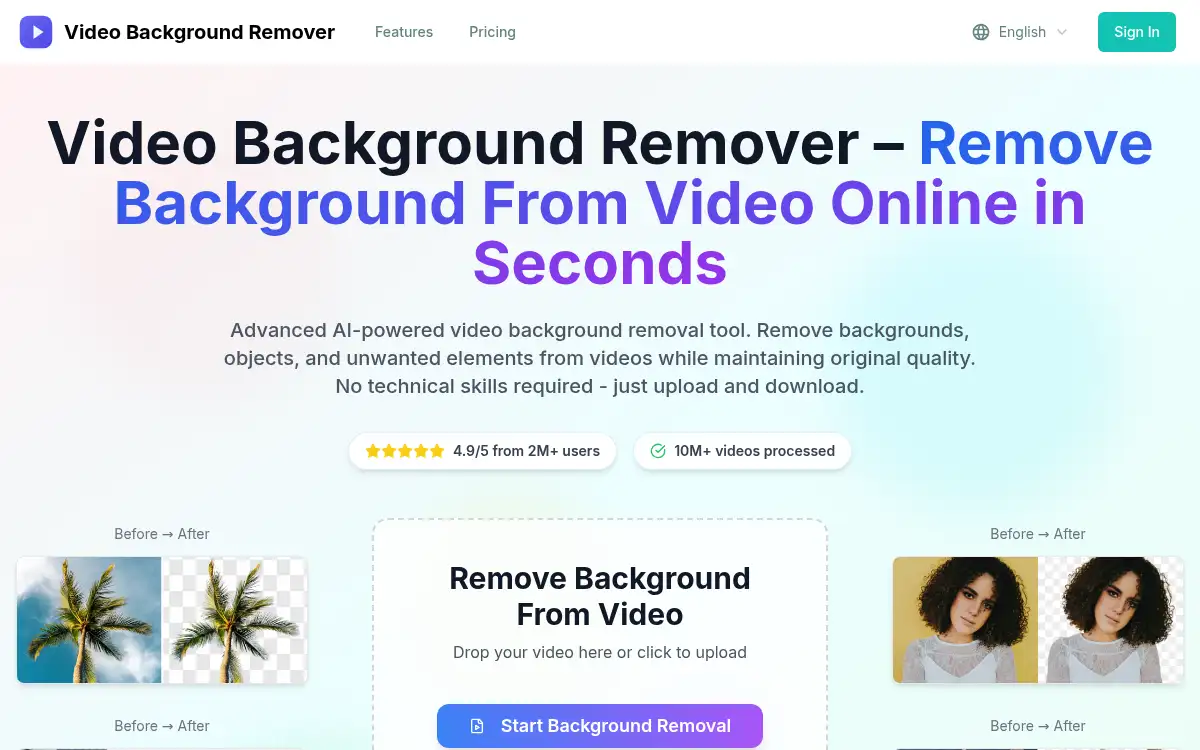
Video Background Remover is an online AI tool for removing backgrounds from short videos. Upload a clip, let the model separate the subject, and download a background-free or replaced result for talking-head, product, or presentation footage. It targets creators who want green-screen-style results without studio setup. Processing and privacy details are explained on the site, including local-in-browser options where available.
How to use Video Background Remover?
- 1. Open videobgremover.org and upload an MP4, AVI, MOV, or similar clip
- 2. Start background removal and keep the tab open while it processes
- 3. Review the subject cutout and choose transparent, blur, or a solid background if offered
- 4. Download the cleaned video in a supported format
- 5. Drop the result into your editor or publishing tool
Core Features
- • AI subject detection — Separates people and products from the scene
- • Multi-format upload — MP4, AVI, MOV, MKV, WMV and similar
- • No green screen — Studio-style cutouts from ordinary footage
- • Export options — Transparent or solid/blur backgrounds depending on format
- • Short-clip limits — Practical caps for desktop and mobile processing
- • Creator-focused workflow — Built for talking-head, product, and presentation videos
Use Cases
- • Presenters replacing cluttered home office backgrounds
- • Sellers cleaning product demo videos for store listings
- • Creators preparing talking-head clips for social without a green screen
- • Teams standardizing interview footage with a solid backdrop