Upscayl
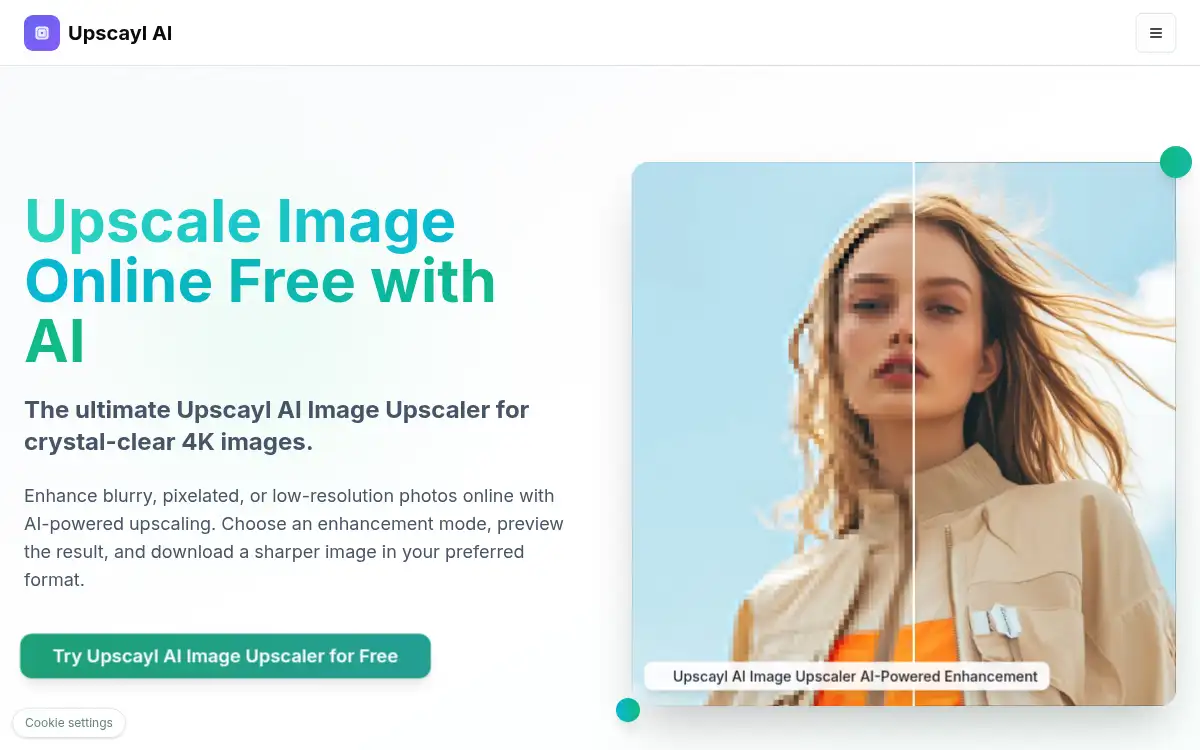
Open SiteUpscayl is a free online AI image upscaler that enhances blurry or low-resolution photos, previews results, and downloads sharper JPG, PNG, or WEBP images up to 8K.
Added on November 6, 2026
Product Information
What is Upscayl?
Upscayl is a browser-based AI image upscaler for turning low-resolution, blurry, or pixelated photos into clearer high-resolution images. Users upload JPG, PNG, or WEBP files, choose an enhancement mode and scale (including 2×–8×), preview the result, and download in their preferred format. Modes cover standard photos, portraits, anime/art, face restore, and scratch restore. It targets photographers, creators, and anyone who needs a free online upscale without installing desktop software.
How to use Upscayl?
- 1. Open upscayl.app and start the free AI Image Upscaler
- 2. Upload up to 5 images (JPG, PNG, WEBP, or ZIP) or paste an image URL
- 3. Pick an image type (Standard, Portrait, Anime/Art, Face Restore, or Scratch Restore) and resolution scale
- 4. Choose output format (JPG, PNG, or WEBP) and run the enhancement
- 5. Preview the sharper result and download when ready
Core Features
- • Free online AI upscaler — Enhance blurry or low-res photos in the browser
- • Multi-scale output — Upscale toward 4K/8K with selectable 1×–8× factors
- • Mode presets — Standard, Portrait, Anime/Art, Face Restore, Scratch Restore
- • Batch upload — Add up to 5 images or a ZIP in one pass
- • Format choice — Download JPG, PNG, or WEBP after preview
- • Related AI photo tools — Companion enhancers, unblur, background remover, and more on the same site
- • No desktop install required — Start from a free web workflow
Use Cases
- • Restoring old phone photos that look soft or pixelated
- • Preparing product or portfolio images for higher-resolution displays
- • Upscaling anime/art stills before sharing or printing
- • Face restore on portraits that lost detail after compression
- • Creators who want a quick browser upscale without ComfyUI or desktop apps