Arnis Online
Open SiteArnis Online generates real-world Minecraft maps in the browser—search a place, select an area, and download buildings, roads, and terrain with no local install.
Added on November 7, 2026
Product Information
What is Arnis Online?
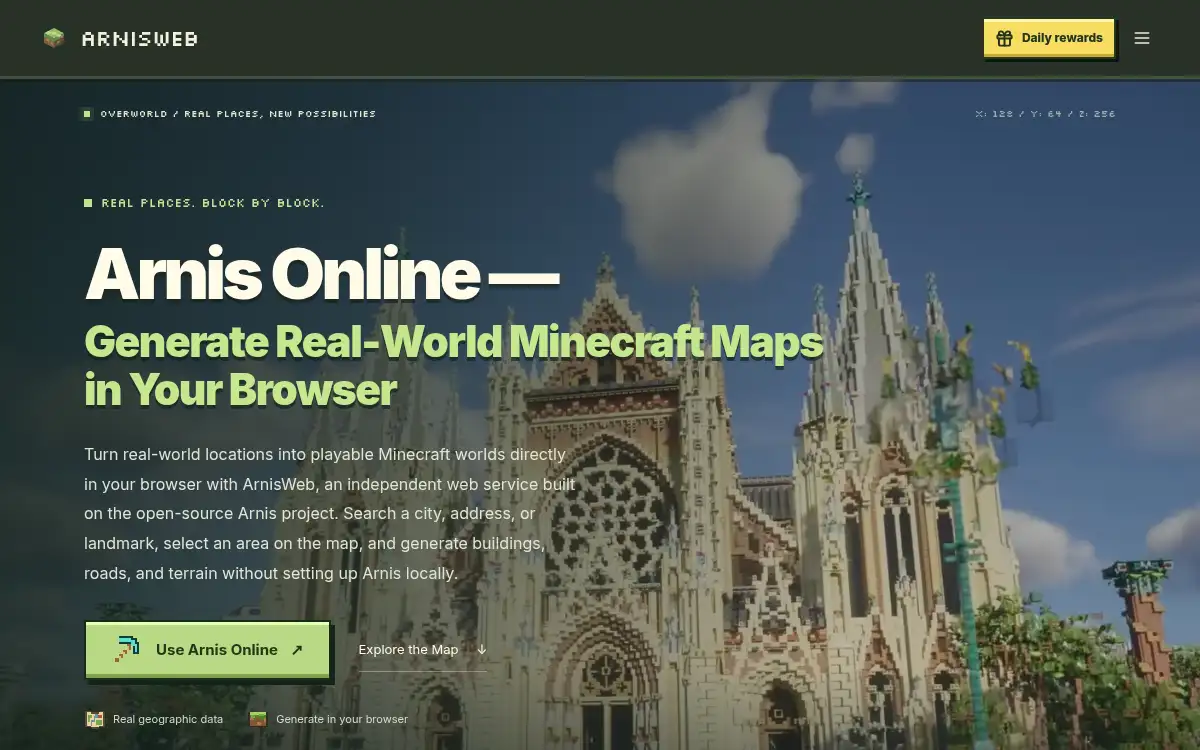
Arnis Online (ArnisWeb) is a free browser service that turns real-world locations into playable Minecraft worlds. Built on the open-source Arnis project, it lets players search a city, address, or landmark, select an area on the map, and generate buildings, roads, and terrain without installing Arnis locally. Worlds can be imported into Java or Bedrock. It targets Minecraft players, educators, and map makers who want real-place worlds quickly in the browser.
How to use Arnis Online?
- 1. Open arnisweb.com and start Arnis Online
- 2. Search a city, address, or landmark on the map
- 3. Select the area you want converted into Minecraft blocks
- 4. Generate the world with real buildings, roads, and terrain
- 5. Download and import into Java or Bedrock Minecraft following the site guides
Core Features
- • Real-world to Minecraft — Cities and landmarks become blocky playable maps
- • Browser-only workflow — No local Arnis install or heavy setup
- • Map search & area select — Pick exactly the neighborhood or landmark you need
- • Buildings, roads, terrain — Structured generation aimed at recognizable places
- • Java & Bedrock paths — Import guides for both editions
- • Free to use online — Generate without desktop tooling first
- • Open-source roots — Web front end over the Arnis generation project
Use Cases
- • Players recreating their hometown or favorite city in Minecraft
- • Teachers building geography lessons as explorable block worlds
- • Content creators showcasing real landmarks as Minecraft maps
- • Server owners seeding custom real-place hubs
- • Map makers prototyping an area before finer manual edits