Converter Run
Open SitePrivate in-browser file conversion for image, audio, video, and PDF, with AI chat for planning and local processing.
Added on October 22, 2026
Product Information
What is Converter Run?
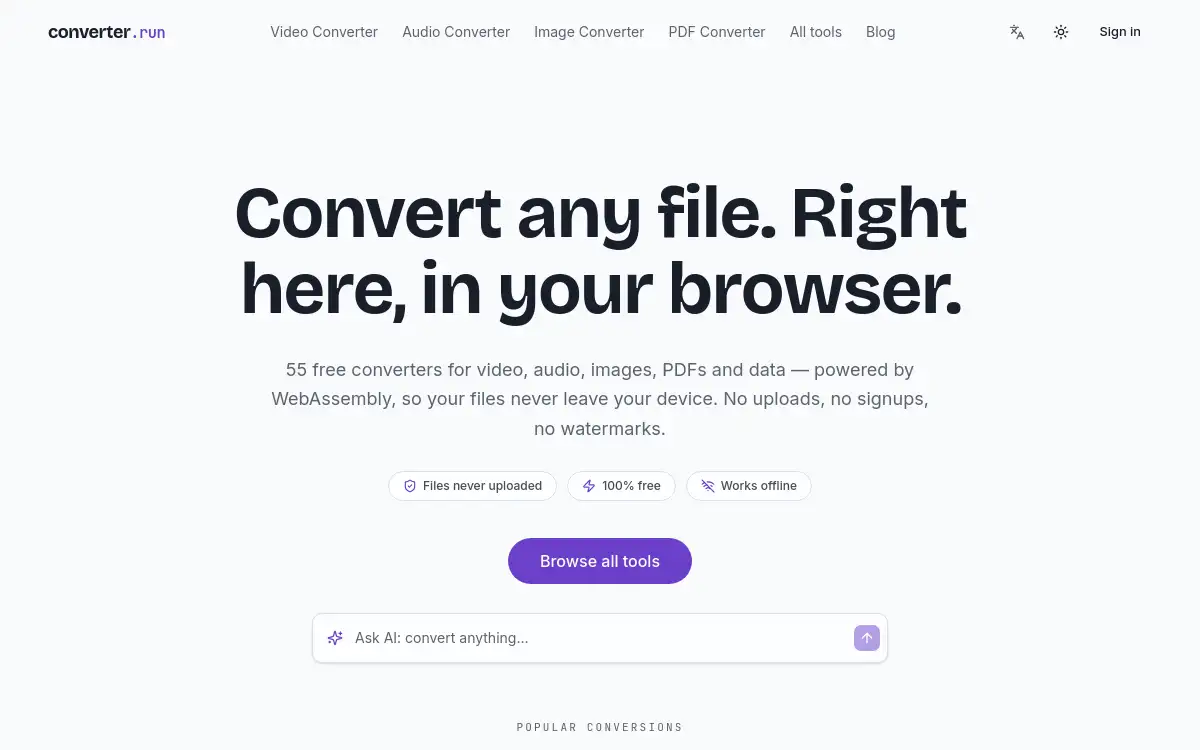
Converter Run is a file conversion suite for image, audio, video, and PDF. You plan conversions with an AI chat while ffmpeg, canvas, and PDF work stay in the browser so files never leave your device. It suits people who want flexible formats without uploading media to a server.
How to use Converter Run?
- 1. Open Converter Run and describe the conversion you need in chat, or pick a tool path.
- 2. Add the local files you want to convert.
- 3. Confirm format, quality, and any trim or page options.
- 4. Let the browser run the conversion with on-device tooling.
- 5. Download the results without uploading originals to a remote converter.
Core Features
- • Image, audio, video, and PDF conversion in one suite
- • AI chat to plan the conversion steps
- • Local processing with ffmpeg, canvas, and PDF tooling
- • Files stay on device instead of uploading to a server
Use Cases
- • Creators converting clips and stills without cloud uploads
- • Developers batching format changes during local prototyping
- • Writers turning PDFs into friendlier formats privately
- • Anyone avoiding third-party upload converters for sensitive files