Nodeterm
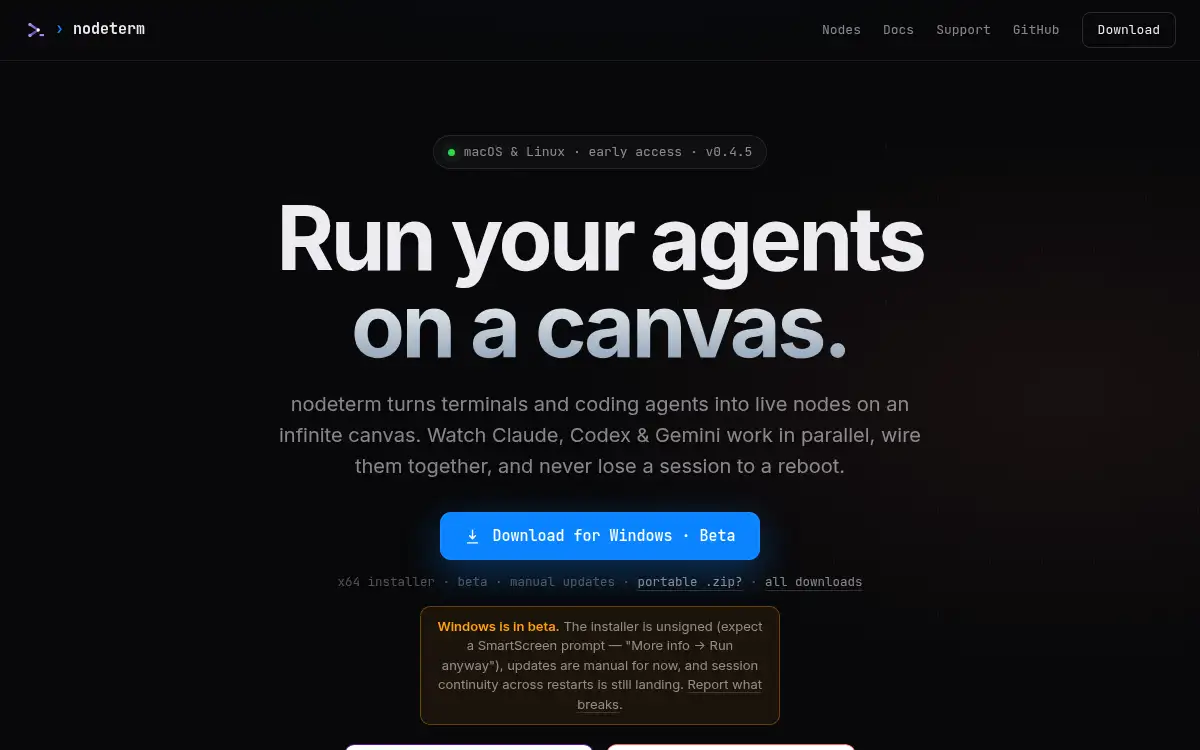
Open SiteNodeterm is an open-source terminal manager that turns real terminals and AI coding agents into live nodes on an infinite canvas for persistent developer workflows.
Added on September 10, 2026
Product Information
What is Nodeterm?
Nodeterm is an open-source terminal manager for developers who juggle many local or SSH sessions and AI coding agents. It represents terminals, Claude, Codex, Gemini, and similar agents as live nodes on an infinite canvas. The product focuses on persistent sessions, visual orchestration, and context sharing so work can continue across reboots or remote connections. It is useful for solo builders and engineering teams that want a lighter way to coordinate parallel agent work without losing the underlying terminal workflow.
How to use Nodeterm?
- Download Nodeterm for macOS or Linux from the official website.
- Open a project, local shell, or SSH connection as a terminal node on the canvas.
- Start AI coding agents such as Claude, Codex, or Gemini in separate nodes when you need parallel work.
- Arrange, connect, or tag nodes so related sessions and contexts stay visible together.
- Use persistent sessions to return to the same terminal layout after reconnecting or rebooting.
Core Features
- Canvas-based terminal manager - Shows terminals and coding agents as movable live nodes instead of hidden tabs.
- Persistent sessions - Keeps terminal layouts and running work easier to recover after reconnects or reboots.
- AI agent orchestration - Lets developers run multiple coding agents side by side and monitor their progress.
- SSH-friendly workflow - Supports remote server work without losing the visual local workspace.
- Context wiring - Helps related terminals and agents share or reference project context when needed.
- Open-source distribution - Gives technical users a transparent tool they can inspect and extend.
- Cross-platform direction - Targets macOS and Linux today with Windows support in beta.
Use Cases
- Parallel coding-agent work - Watch several AI coding sessions work on one project from a single canvas.
- Remote development - Manage SSH terminals and local project shells in the same workspace.
- Terminal organization - Replace a sprawl of tabs with named visual nodes for each task.
- Long-running projects - Resume terminal layouts and agent sessions after interruptions.