Dreamina AI
Open SiteDreamina AI is a free browser AI image and video platform with text-to-image, text-to-video, image-to-video, canvas editing, upscaler, and daily credits.
Added on November 7, 2026
Product Information
What is Dreamina AI?
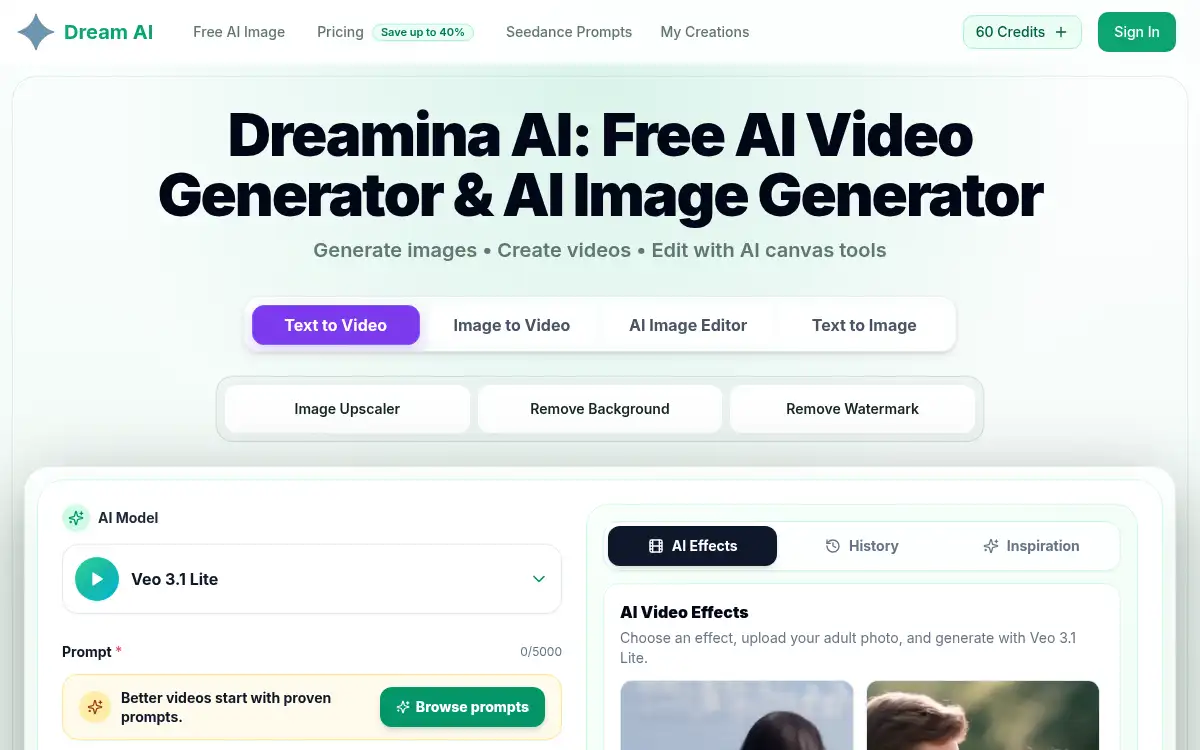
Dreamina AI is an independently operated browser platform for AI image and video creation. It covers text-to-image, text-to-video, image-to-video, multi-layer canvas editing, upscaling, background removal, watermark removal, and effect templates powered by models such as Veo. Users start free with daily credits. It targets creators, marketers, and hobbyists who want one place to generate stills and short videos, then refine them in-canvas without installing desktop AI suites.
How to use Dreamina AI?
- 1. Open dreaminai.art and start with free daily credits
- 2. Pick a mode—Text to Image, Text to Video, Image to Video, or AI Image Editor
- 3. Enter a prompt (and upload a reference for image-to-video or effects), then set aspect ratio, quality, and duration
- 4. Generate, preview history, and apply canvas edits, upscale, or background/watermark removal as needed
- 5. Download the finished image or video for your project
Core Features
- • Text to image & video — Prompt-driven stills and short clips in the browser
- • Image to video — Animate a photo with selectable duration and quality
- • AI canvas editor — Multi-layer editing alongside generation tools
- • Utility suite — Upscaler, background remover, and watermark remover
- • Effect templates — Ready-made motion effects for quick social clips
- • Daily free credits — Start creating without a paid seat
- • Model choices — Video options such as Veo-class generation with aspect and resolution controls
Use Cases
- • Social creators making short AI clips from a single still
- • Marketers drafting campaign visuals and motion teasers
- • Designers upscaling or cleaning backgrounds before export
- • Hobbyists exploring text-to-image styles with daily credits
- • Teams prototyping storyboards without desktop AI installs