Floatboat
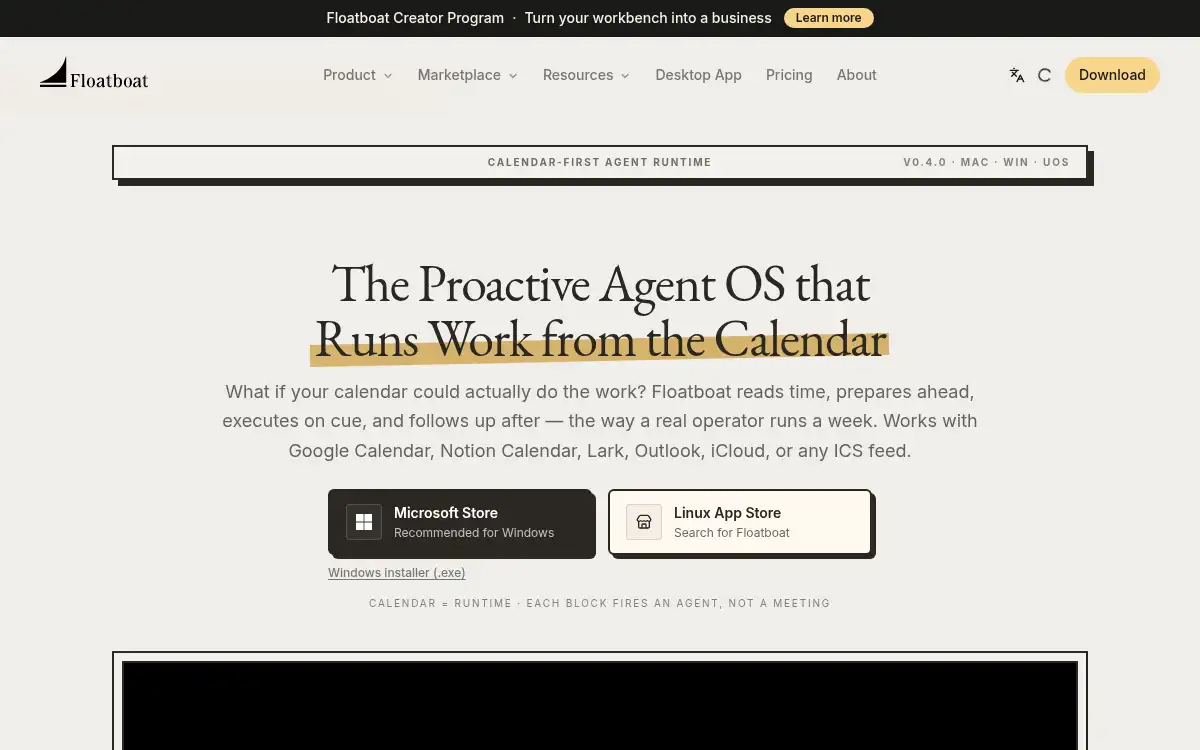
Open SiteFloatboat is a desktop agent workspace that treats your calendar as the runtime: each event can prepare ahead, run work on cue, and follow up afterward. It connects to Google Calendar, Notion Calendar, Lark, Outlook, iCloud, or any ICS feed, on Mac, Windows, and UOS.
Added on November 21, 2026
Product Information
What is Floatboat?
Floatboat (floatboat.ai) is a desktop “proactive agent OS” that runs work from your calendar instead of waiting for a chat prompt. It reads events from Google Calendar, Notion Calendar, Lark, Outlook, iCloud, or any ICS feed, and each block can open a persistent Agent Workspace with files, run history, and model choice. Agents can prep before a meeting, draft before a deadline, and follow up after, using built-in frontier models (no separate API keys) and 3,500+ integrations through MCP and local files, including Notion, Slack, GitHub, Linear, Google Drive, Gmail, and Figma. Combo Store and Workflow Store provide installable skills; FloatIM is a related group chat, with an iOS app on the App Store. Desktop builds are listed for Mac, Windows, and Linux (v0.4.0). Plans are billed monthly or yearly (yearly includes 2 months free). Lite is $20/month for 5,000 credits; Pro tiers start around $39.98/month for 10,000 credits. A 3,000-credit booster pack is $12.99, valid for one year.
How to use Floatboat?
- 1. Download Floatboat for Mac, Windows, or Linux from floatboat.ai and sign in on the desktop app
- 2. Connect Google Calendar, Notion Calendar, Lark, Outlook, iCloud, or an ICS feed so events become the agent’s clock
- 3. Open the Agent Workspace on a meeting, deadline, or routine, and let agents prep, draft, or follow up at the scheduled time
- 4. Attach the tools you already use (Notion, Slack, GitHub, Drive, local files, or an MCP server) and, if you want a repeatable skill, install a Combo or Workflow from the stores
- 5. Review run history, swap models or prompts, and re-run a step; pick up the same workspace later on another desktop or in FloatIM
Core Features
- • Calendar as runtime — Each event can trigger prep, execution, and follow-up instead of waiting for a chat prompt
- • Calendar connectors — Google Calendar, Notion Calendar, Lark, Outlook, iCloud, or any ICS feed
- • Agent Workspace — Persistent files, run history, model choice, and decisions on a per-event workspace
- • Built-in models, no API keys — Frontier models are bundled; Auto Mode can route cheaper models and fall back if a provider is rate-limited
- • Integrations — 3,500+ tools via MCP and local files, including Notion, Slack, GitHub, Linear, Google Drive, Gmail, and Figma
- • Combo and Workflow stores — Install reusable skills and scheduled or webhook automations
- • Desktop plus FloatIM — Mac, Windows, and UOS apps, with an optional iOS group-chat client for local agents
Use Cases
- • Have a briefing ready before a call by attaching the meeting on your calendar to an agent workspace
- • Draft a follow-up email, deck, or ticket update after a sales or standup event without starting a new chat
- • Run a recurring weekly review from a calendar block, with the same files and run history each time
- • Keep a one-person or small-studio workflow in one desktop workspace instead of juggling separate AI subscriptions