Transmonkey
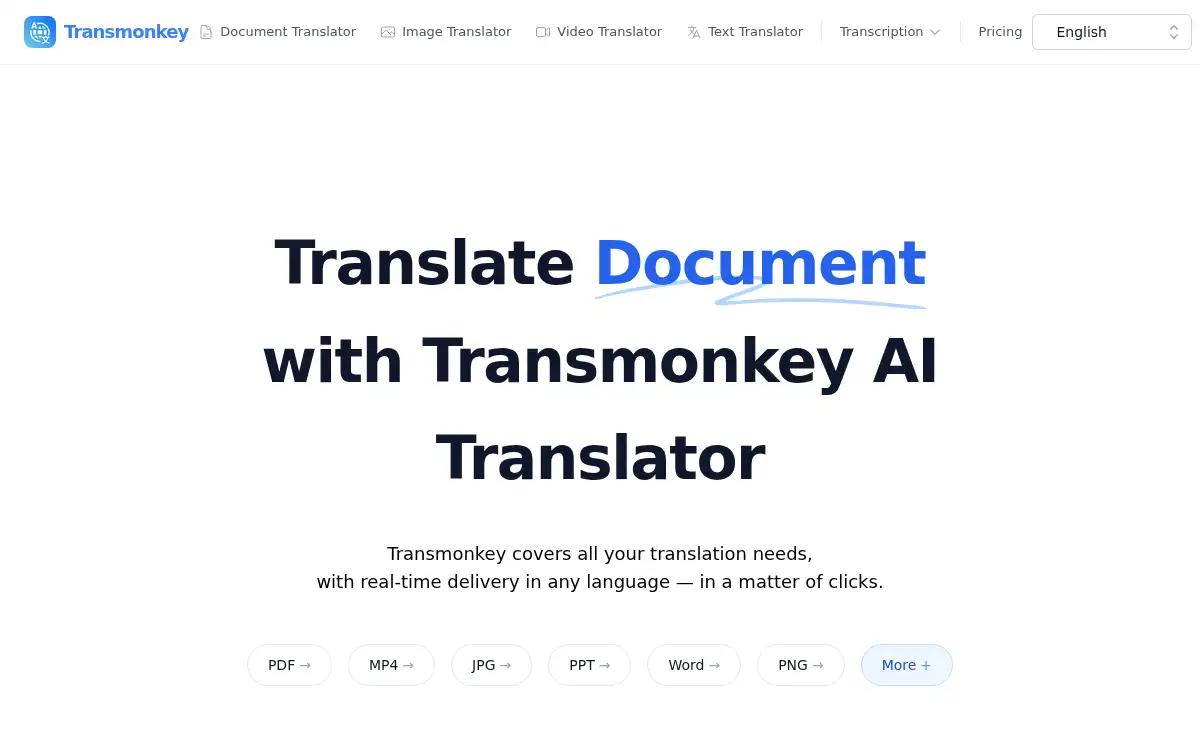
Open SiteTransmonkey is an AI translator for documents, images, video, and text. It supports more than 130 languages, keeps original layouts where possible, and handles common formats such as PDF, Word, Excel, PPTX, PNG, and MP4.
Added on November 14, 2026
Product Information
What is Transmonkey?
Transmonkey is a web-based AI translation suite powered by large language models. You can translate documents while preserving layout, replace text in images, and transcribe, subtitle, or dub videos in more than 130 languages. The platform accepts 30+ file types, including PDF, Word, Excel, PPTX, PNG, and MP4, and can handle large documents (up to 1,500K characters) and images up to 10MB. A Google Drive integration and a YouTube video translator add-on are available for common workflows. For mission-critical content, a final human review is still recommended.
How to use Transmonkey?
- 1. Open transmonkey.ai and choose Document, Image, Video, or Text translation
- 2. Upload a file or paste text (or connect Google Drive or a YouTube link where supported)
- 3. Select the source and target languages from the 130+ language list
- 4. Start the job and wait for the model to finish — short files take minutes, long ones can take longer
- 5. Preview the result, then download the translated file, image, subtitles, or dubbed video
Core Features
- • Document translator — Translate common office formats while keeping the original layout, including large files
- • AI image translator — Remove and replace on-image text so the translation sits on the same background
- • AI video translator — Transcribe, translate subtitles, and dub audio while leaving background music in place
- • Text translator — Translate up to 7,000 characters at a time across 130+ languages
- • Broad format support — Handle 30+ types such as PDF, Word, Excel, PPTX, PNG, and MP4
- • Bulk translation — Translate and download multiple images or files in one pass
- • Google Drive and YouTube add-ons — Pull source files from Drive or translate YouTube videos in place
Use Cases
- • Teams localizing reports, decks, and contracts without rebuilding the layout
- • Designers and marketers translating text inside posters, screenshots, and ads
- • Creators adding subtitles or dubbed audio to videos for new language audiences
- • Teachers preparing multilingual classroom materials from existing files
- • Anyone who needs a quick, context-aware translation of a document or image