Notchy
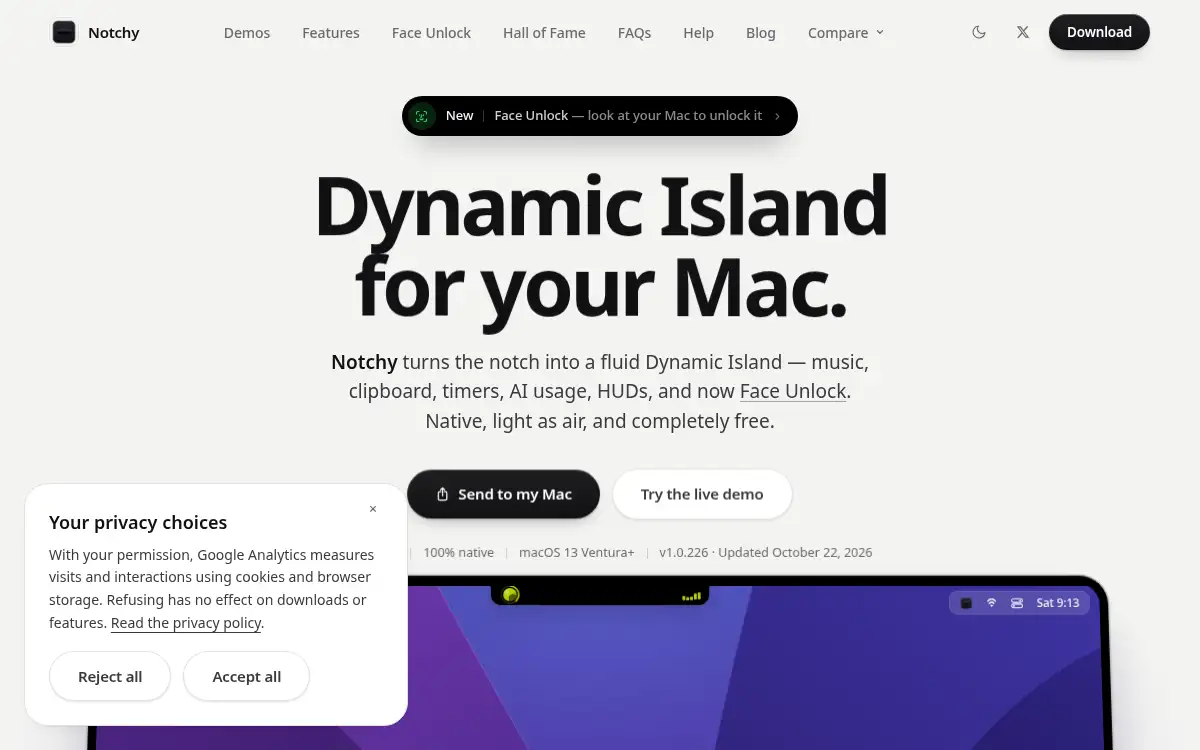
Open SiteNotchy turns the MacBook notch into a free Dynamic Island-style productivity hub for music controls, clipboard history, timers, quick notes, file drops, and system HUDs. It is built for Mac users who want lightweight everyday utilities without paying for heavier notch apps.
Added on June 8, 2026
Product Information
What is Notchy?
Notchy is a free macOS app that transforms the MacBook notch area into a useful Dynamic Island-style control center. It adds practical daily tools such as music controls, clipboard history, Pomodoro timers, quick notes, drag-and-drop file shelves, AirPods battery views, and compact system HUDs. The product is aimed at Mac users who want the notch to become functional instead of wasted screen space. Its long-term value comes from bundling small productivity utilities into one lightweight app that stays close to the user’s current workflow.
How to use Notchy?
- Download and install Notchy on a Mac with a notch or compatible macOS setup.
- Launch the app and configure which notch widgets or HUDs should appear.
- Use the notch pill for music, timers, clipboard history, quick notes, or temporary file storage.
- Adjust visual behavior and feature settings to match your daily workflow.
- Keep Notchy running in the background as a lightweight productivity layer.
Core Features
- Dynamic notch pill — Turns the Mac notch into a fluid interactive control area.
- Music controls — Shows now-playing controls with track switching and scrubbing.
- Clipboard history — Stores copied items in a scrollable shelf for quick reuse.
- Pomodoro timer — Runs focus sessions directly from the notch.
- File drop shelf — Temporarily holds files so they can be dragged out later.
- Quick notes — Lets users capture short notes without switching apps.
- System HUDs — Replaces bulky overlays for volume, brightness, AirPods, and battery.
Use Cases
- Mac productivity setup — Add small always-available utilities without cluttering the desktop.
- Clipboard recovery — Reuse recently copied links, snippets, and text.
- Focus sessions — Start a Pomodoro timer from the notch without opening another app.
- File staging — Hold temporary files during drag-and-drop work across apps.