PawPause
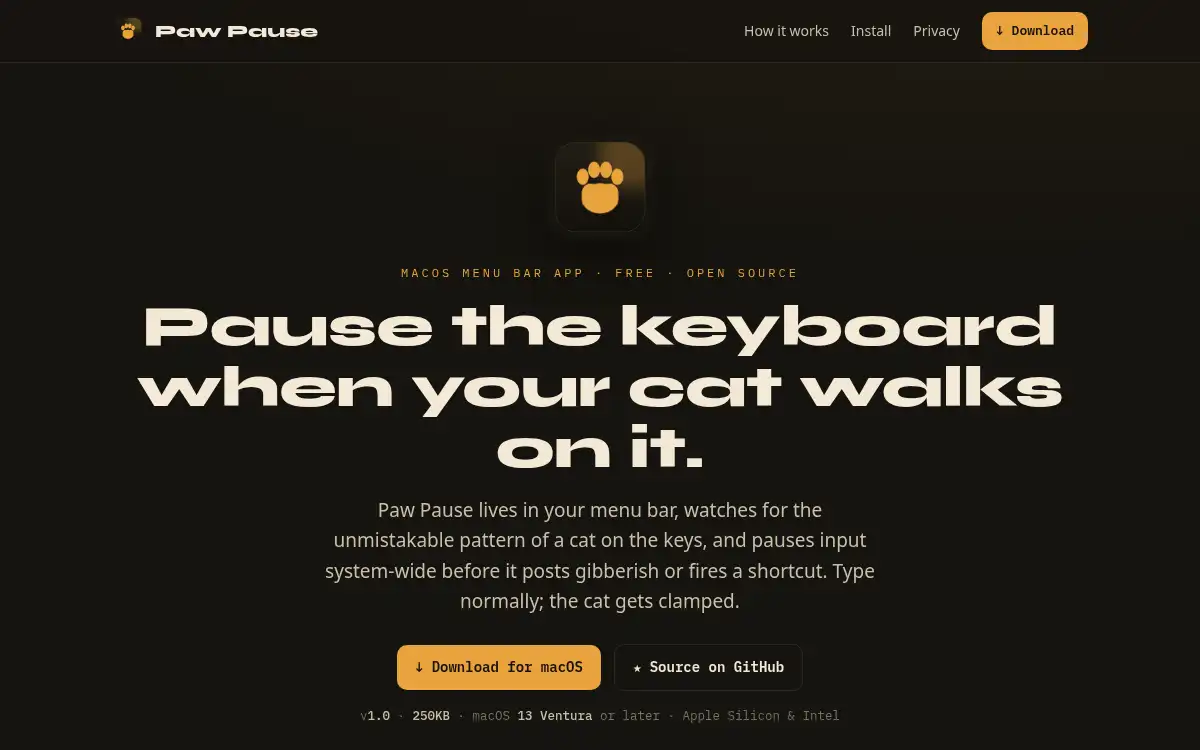
Open SitePawPause is a free, open-source macOS menu bar app that temporarily pauses keyboard input when it detects cat-like key mashing. It is built for pet owners who want to protect chats, documents, and shortcuts without sending keystroke data off-device.
Added on June 11, 2026
Product Information
What is PawPause?
PawPause is a tiny macOS utility for people whose cats walk across their keyboards. It monitors typing patterns locally and pauses input system-wide when it detects the kind of chaotic key mashing pets tend to create. The app runs from the menu bar, is free and open source, and is designed around privacy with zero network calls. It solves a small but persistent workflow problem for remote workers, makers, and pet owners who share their desk with a cat.
How to use PawPause?
- Download and install PawPause on a Mac running macOS 13 Ventura or later.
- Grant the required keyboard access permission so the app can detect input patterns.
- Keep PawPause running from the menu bar while you work.
- When a cat starts pressing keys, let PawPause pause keyboard input before gibberish or shortcuts fire.
- Resume normal typing after the interruption has passed.
Core Features
- Cat-pattern detection — Watches for chaotic keyboard input that looks like a pet walking across the keys.
- System-wide pause — Temporarily blocks input before random text, commands, or shortcuts cause trouble.
- Menu bar utility — Stays lightweight and available without adding a full workspace app.
- On-device privacy — Keeps detection local with no cloud processing or network calls.
- Open-source code — Lets users inspect how keyboard access is handled.
- Free Mac download — Provides a simple utility for both Apple Silicon and Intel Macs.
Use Cases
- Remote work with pets — Prevent a cat from sending accidental Slack messages or corrupting documents.
- Shortcut safety — Reduce the chance of random key presses triggering destructive app shortcuts.
- Focus protection — Keep writing, coding, or support sessions safe from desk interruptions.
- Privacy-conscious utility use — Handle keyboard monitoring with transparent, on-device software.