Screen Ruler
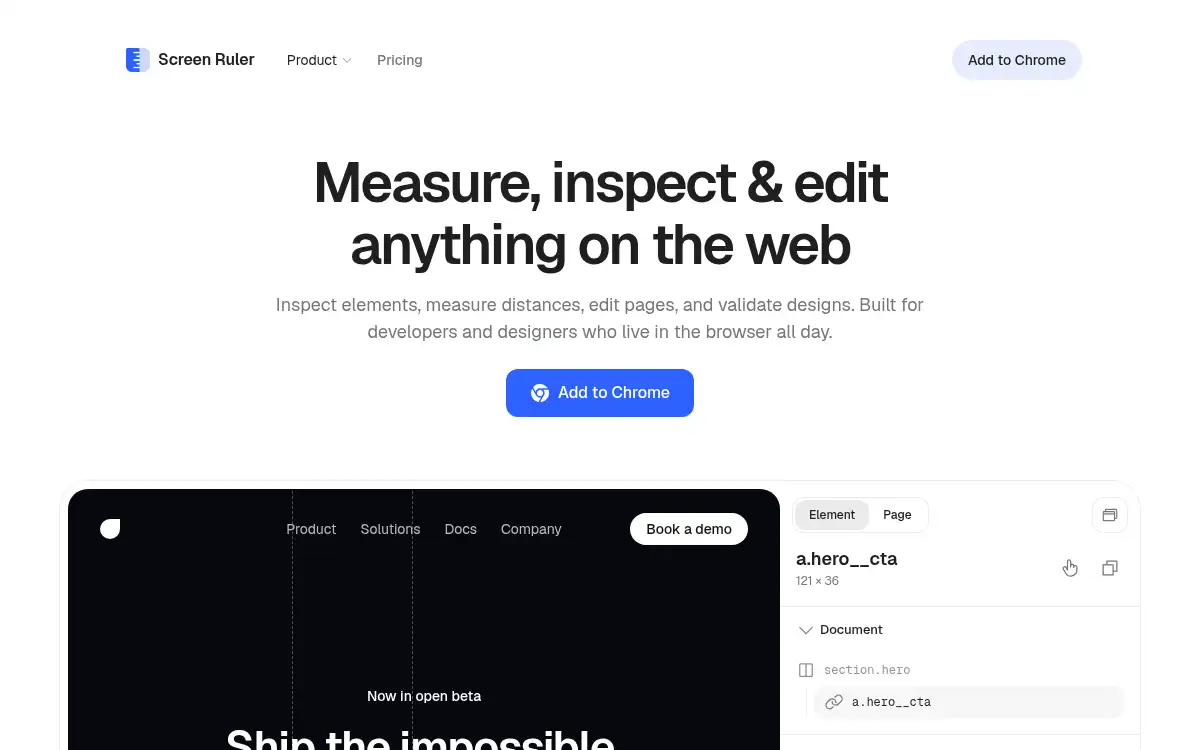
Open SiteScreen Ruler is a Chrome extension for designers and front-end developers to inspect elements, measure spacing, copy CSS, sample colors, and capture precise element screenshots. It brings visual QA, accessibility checks, SEO/meta inspection, and layout measurement into one browser workflow.
Added on June 8, 2026
Product Information
What is Screen Ruler?
Screen Ruler is a browser-based inspection and measurement toolkit for people who build and polish web interfaces. It helps designers and front-end developers inspect element dimensions, margins, padding, computed CSS, colors, screenshots, accessibility issues, and SEO metadata directly in Chrome. Instead of switching between several small extensions, users get one focused workflow for visual QA and layout validation. It is especially useful for teams that care about pixel-level implementation quality and faster handoff between design and engineering.
How to use Screen Ruler?
- Install Screen Ruler from the Chrome Web Store.
- Open the web page or product interface you want to inspect.
- Hover or select elements to view sizes, spacing, CSS properties, colors, and hierarchy.
- Use rulers, screenshots, accessibility checks, and SEO/meta tools to validate the page.
- Copy measurements or CSS details into design notes, QA tickets, or implementation feedback.
Core Features
- Element inspection — View dimensions, margins, padding, tag names, IDs, and classes by hovering over page elements.
- Distance measurement — Measure pixel distances between selected elements and nearby layout objects.
- Computed CSS viewer — Copy computed CSS properties directly from the inspected element.
- Page rulers and guides — Use horizontal, vertical, and crosshair guides for precise viewport checks.
- Color picker — Sample and copy colors from anywhere on the page.
- Accessibility audit — Detect contrast issues and other WCAG-related visual problems.
- Element screenshots — Capture cropped screenshots with measurement context included.
Use Cases
- Design QA — Check whether a shipped page matches spacing, sizing, and color expectations from the design file.
- Front-end implementation — Inspect CSS and element hierarchy without opening a separate developer workflow for every detail.
- Accessibility review — Catch contrast failures while reviewing visual components.
- SEO and social preview checks — Inspect titles, Hs, alt text, meta tags, and sharing previews during page polish.