ShotEdit
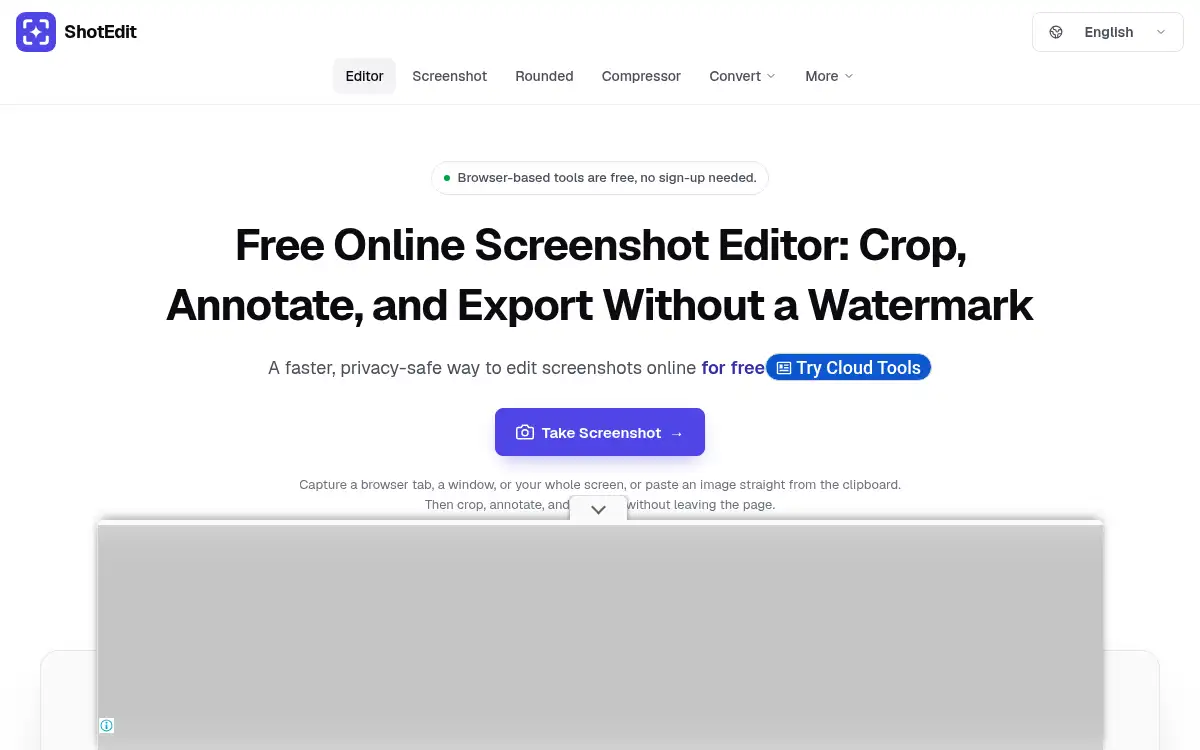
Open SiteShotEdit is a free online screenshot editor with an AI background remover and image enhancer. Crop, annotate, and export without a watermark, no upload and no sign-up, running in your browser.
Added on November 10, 2026
Product Information
What is ShotEdit?
ShotEdit is a browser-based screenshot editor and image toolbox that is free to use with no sign-up. Users capture a tab, window, or screen, or paste an image, then crop, rotate, resize, annotate with arrows, shapes, and text, add backgrounds, frames, shadows, and watermarks, and export without a watermark. The site states images are edited in the browser without upload. Related tools include a screenshot beautifier, rounded image maker, background remover, image enhancer, compressor, format converters such as WebP to JPG, HEIC to JPG, and PDF to JPG, PNG to SVG, a GIF compressor, and a video size reducer. It targets anyone making tutorials, docs, or social posts from screenshots.
How to use ShotEdit?
- 1. Open shotedit.net and choose Take Screenshot, or upload or paste an image with Ctrl+V
- 2. Crop, rotate, or resize the image
- 3. Add arrows, shapes, text, or a watermark
- 4. Optionally add a background, frame, or shadow, or use the background remover or enhancer
- 5. Export the finished image without a watermark
Core Features
- • Screenshot capture — Tab, window, or full screen, or paste from the clipboard
- • Crop and resize — Free crop or preset ratios with exact pixel sizes
- • Annotations — Arrows, boxes, circles, freehand lines, and text
- • Custom watermarks — Add your own logo or text
- • Image tools — Background remover, enhancer, and compressor
- • Converters — WebP, HEIC, PDF to JPG, PNG to SVG, and more
Use Cases
- • Writers and support teams annotating screenshots for docs
- • Designers polishing app screenshots with backgrounds and shadows
- • Social creators protecting images with watermarks
- • Anyone converting HEIC or WebP files to JPG
- • Students and teachers marking up images quickly