TaskShell
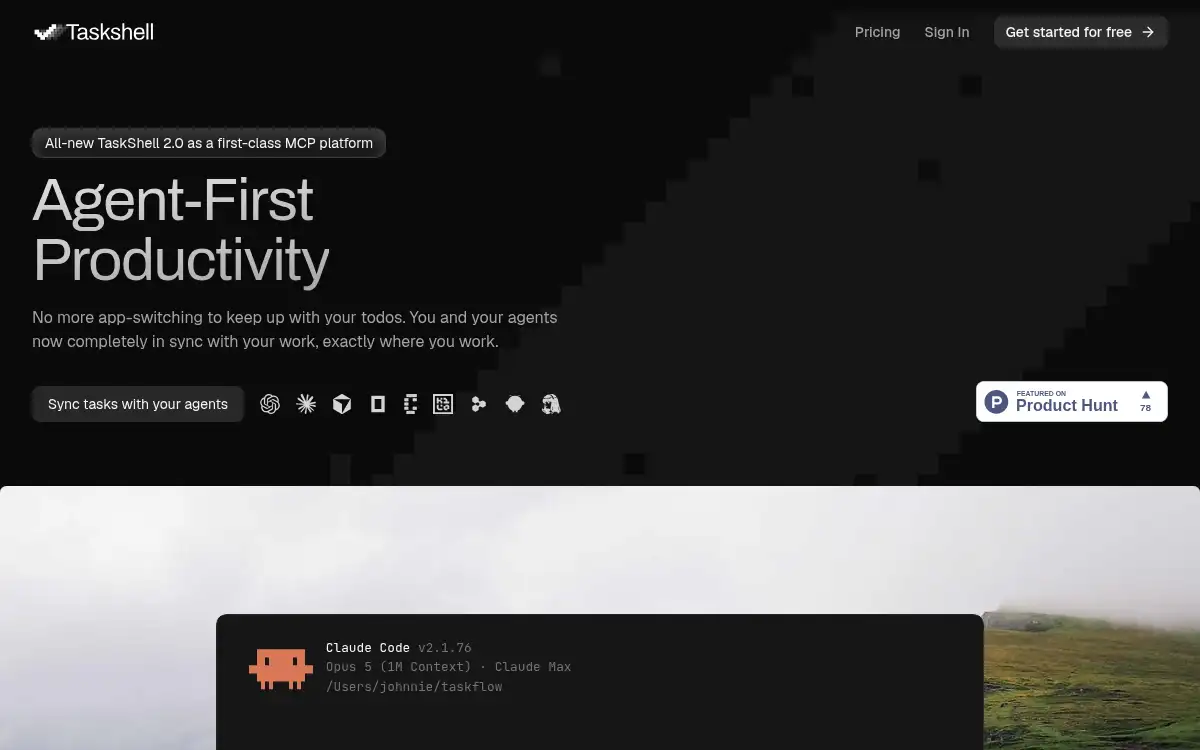
Open SiteTaskShell is a terminal and IDE-inspired task manager built for developers and coders who want to stay in their coding mindset while managing work. It runs entirely in the browser with no install required, offering command-line-style task management synced across all devices for professionals who find traditional task apps disruptive to their workflow.
Added on April 26, 2026
Product Information
What is TaskShell?
TaskShell is a browser-based task manager designed to feel like a terminal or IDE, so developers and engineers can manage their tasks without breaking their coding flow. Instead of dragging cards or clicking through GUI menus, users type commands like `create task`, `show tasklist`, or `complete task` to get things done. The app offers two UI modes: Friendly mode for those getting started and Hardcore mode for pure command output. It supports subtasks, tags, priorities, deadlines, media attachments, custom statuses, and an AI prompt panel for natural-language task creation. Everything syncs across devices in the cloud with no local installation required.
How to use TaskShell?
- Sign up at taskshell.app — no credit card required, -day free trial included.
- Type your first command, such as `create task "Fix login bug" priority high`, to add a task instantly.
- Use `show tasklist` to see all your tasks with details, or `show active` to focus only on what needs attention.
- Organize tasks into workspaces, add subtasks, tags, and notes as your project grows.
- Switch between Friendly and Hardcore modes to match your preferred level of UI assistance.
Core Features
- Terminal-Style Command Interface — Manage tasks with typed commands (create, edit, complete, delete) that mimic a coding environment, keeping developers in flow without context-switching to a GUI.
- Dual UI Modes — Switch between Friendly mode (cards and buttons) and Hardcore mode (pure code output) to match your preferred interaction style at any time.
- IntelliSense-Like Autocomplete — Context-aware suggestions autocomplete commands, task IDs, tags, and properties as you type, just like an IDE.
- AI Prompt Panel — Describe tasks in plain English and let AI convert them into structured tasks with priorities, due dates, and properties automatically.
- Weekly Calendar View — View tasks laid out by day with `show week` or `show bi-week`, enabling visual planning without leaving the terminal environment.
- Custom Priorities & Statuses — Define your own priority levels (P/P/P or High/Medium/Low) and statuses with custom colors to match any team's workflow.
- Cloud Sync Across Devices — All tasks sync in real time via the cloud, accessible from any browser on any device without installation.
Use Cases
- Solo Developer Project Management — Developers use TaskShell to manage bug lists, feature tickets, and sprint tasks without ever leaving the coding mindset.
- Freelance Developer Workflow — Freelancers track client deliverables, deadlines, and progress across multiple projects using workspaces, all from one browser tab.
- Developer Learning & Study Tracking — Students and self-taught programmers organize their study goals, practice problems, and project milestones using a familiar terminal metaphor.
- Engineering Team Task Coordination — Small dev teams use TaskShell to organize parallel workstreams, with subtasks and custom statuses reflecting their actual Git/sprint workflow.
- Focus Mode for Deep Work — Developers use `show active` to limit their view to only current tasks, removing distraction and maintaining deep work sessions.