WatermarkZero
Open SiteWatermarkZero is a free, no-signup Gemini watermark remover that runs entirely in your browser. It targets the visible corner logo on supported Gemini images, leaves files on your device, and does not remove hidden marks such as SynthID.
Added on November 23, 2026
Product Information
What is WatermarkZero?
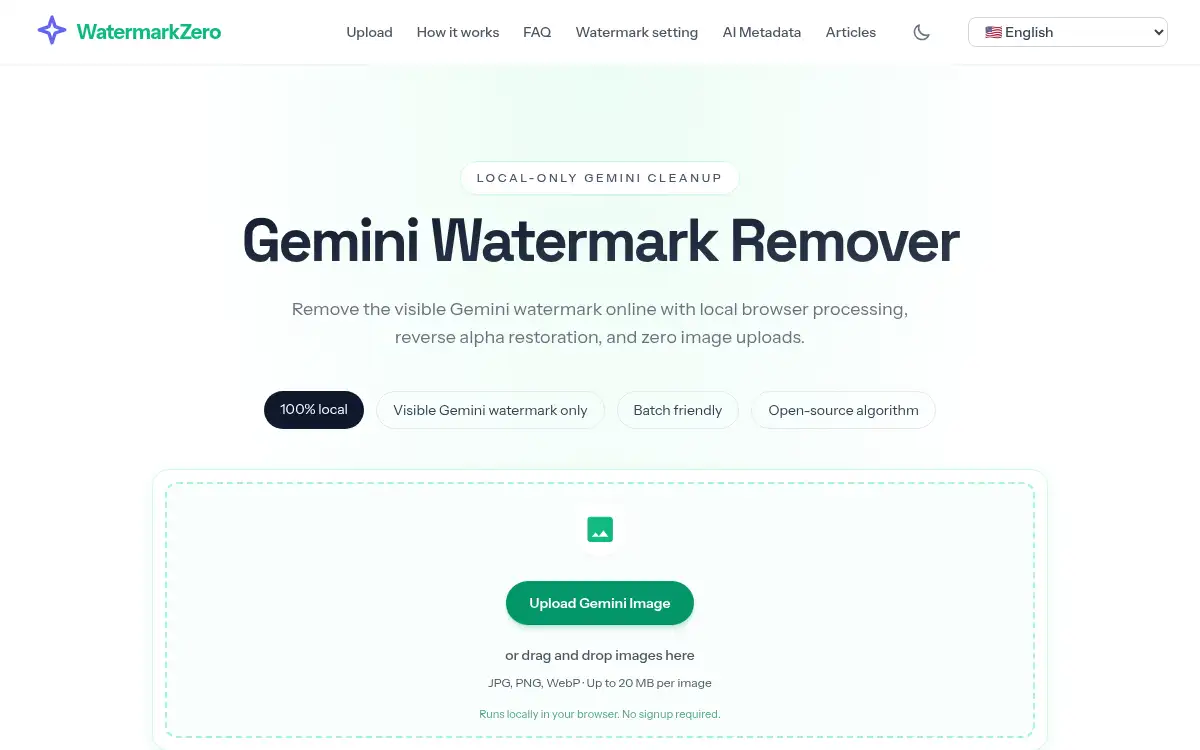
WatermarkZero (watermarkzero.org) is a free online tool for removing the visible Gemini logo from generated images without uploading them. Gemini places a semi-transparent mark in the lower-right corner; the site estimates that position from known output patterns, reconstructs the alpha map, and uses reverse alpha blending to recover the underlying pixels where it can, rather than repainting the area with a generic AI inpainting model. Processing is local in the browser, supports JPG, PNG, and WebP up to 20 MB, and can run in a batch. It is not a general-purpose watermark eraser: it skips many non-Gemini images and unsupported Gemini variations, and it does not remove hidden watermarks such as SynthID.
How to use WatermarkZero?
- 1. Open watermarkzero.org — no account is required
- 2. Upload or drag in one or more Gemini images (JPG, PNG, or WebP, up to 20 MB each); files stay in the browser and are not uploaded
- 3. Let the local engine detect the visible lower-right Gemini logo and restore the underlying pixels with reverse alpha blending
- 4. Compare the before and after preview, then copy or download the cleaned image, or use Download All after a batch
- 5. If the image is not a supported Gemini output, or you need a hidden mark such as SynthID removed, this tool will skip it or will not help — use Reset to try another file
Core Features
- • Local-only processing — Images never leave your device; there is no signup and no upload queue
- • Visible Gemini logo only — Built for the semi-transparent lower-right Gemini watermark, not every watermark on the internet
- • Reverse alpha restoration — Estimates the mark from known Gemini size patterns and solves the reverse blending equation instead of AI inpainting
- • Batch uploads — Add multiple JPG, PNG, or WebP files (up to 20 MB each) and download them all when processing finishes
- • Before-and-after preview — Inspect the restored corner, then copy, download, or reset and try another image
- • Clear limits — It does not remove SynthID or other hidden watermarks, and it may skip non-Gemini or unsupported images
- • Free to use — No credits, accounts, or paywall for the remover itself
Use Cases
- • Clean the visible Gemini corner logo from a portrait or product shot before you place it in a layout you own
- • Batch-process a set of Gemini stills locally when you do not want the files to leave your computer
- • Check a before-and-after sample on the site first, then run the same engine on your own supported Gemini image
- • Keep hidden watermark removal out of scope: this tool is only for the visible logo, not SynthID