Edit Pic Text
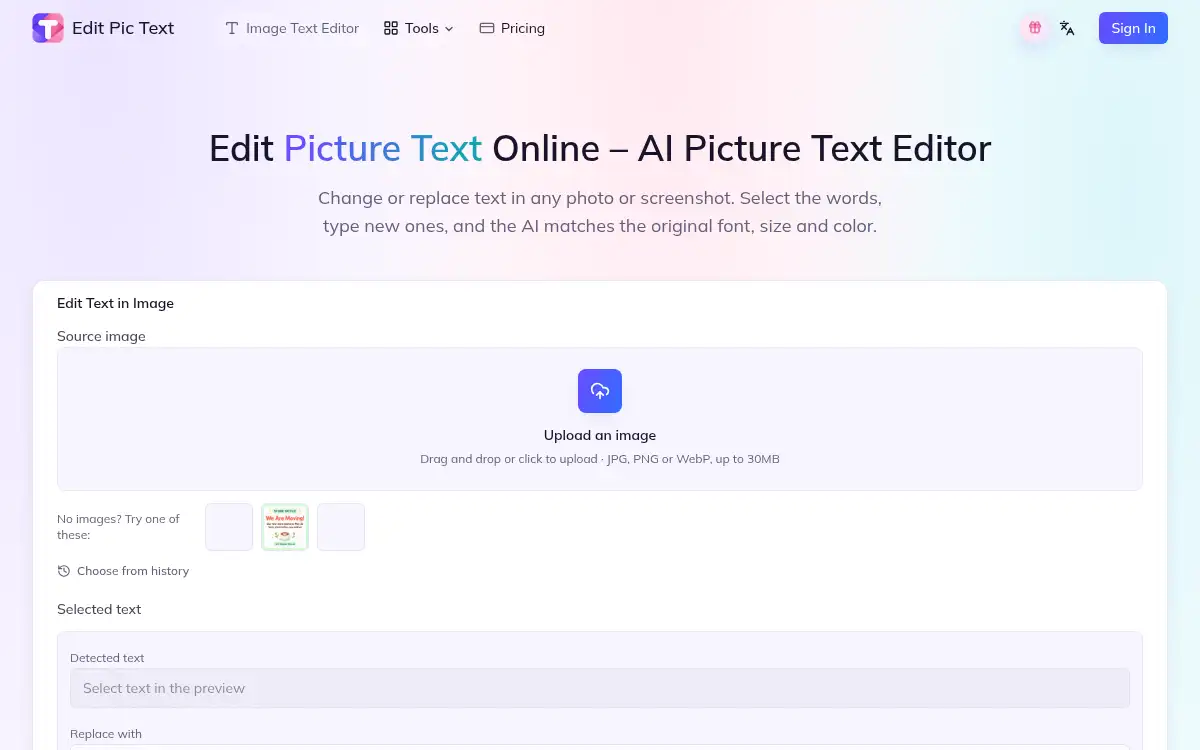
Open SiteEdit Pic Text is a browser AI editor that changes words already inside a photo, screenshot, poster, or product image while matching the original font, size, and color. Upload a JPG, PNG, or WebP, select the text, type a replacement, and download the result in 1K, 2K, or 4K.
Added on November 20, 2026
Product Information
What is Edit Pic Text?
Edit Pic Text (editpictext.com) is an AI picture text editor for replacing words already baked into a photo, screenshot, poster, or product image, rather than laying a new type layer on top. You upload a JPG, PNG, or WebP (up to 30MB), the site detects text blocks, and you click the words to change — or leave a field blank to remove them. The editor (the homepage offers GPT Image 2) rewrites the selection in the original typeface, size, color, and angle, and repairs the background so ghost letters do not remain. Optional instructions can ask it to keep a logo or match a style. Exports are available at 1K, 2K, or 4K. New users can get 30 credits free; a typical text edit on the homepage is shown as 5 credits. Paid plans start at $11.9/month for Basic (100 credits/month), then Standard at $29.9 and Pro at $79.9, with yearly billing advertised at up to 50% off. Editing screenshots of payments, bank transfers, or official records is not allowed under its terms.
How to use Edit Pic Text?
- 1. Open editpictext.com and upload a JPG, PNG, or WebP image up to 30MB (photos, screenshots, posters, and product shots are all supported), or try a sample
- 2. Wait for automatic text detection, then click the words you want to change and type the replacement, or leave a field blank to remove that text; you can select several areas in one run
- 3. Optionally add a short instruction, such as keeping a logo or matching a color, and confirm the credit cost (the homepage shows 5 credits for a typical edit)
- 4. Generate the preview, check that the new words match the original font and that the background is clean
- 5. Download the edited image in 1K, 2K, or 4K
Core Features
- • In-image text replacement — Rewrites existing words to match the original font, size, color, and angle instead of pasting a new text layer on top
- • Automatic detection — Finds and outlines text blocks so you can select one or several in a single run
- • Background repair — Fills in the area behind removed or replaced letters so leftover shapes do not show through
- • Optional instructions — Add a short note, for example to keep a logo or match gray text, while unselected areas stay unchanged
- • Browser uploads and 4K export — JPG, PNG, or WebP up to 30MB, with 1K, 2K, or 4K download options and no app to install
- • Related text tools — Screenshot editing, extraction, translation, enhancement, removal, blur, and adding text, listed as extra utilities on the same site
- • Credits and plans — 30 free starter credits, then monthly or yearly subscriptions and credit packs, with a commercial license and no watermark on paid plans
Use Cases
- • Fixing a typo on a finished design — Correct a misspelled word, date, or name on a poster or invitation when you no longer have the source file
- • Updating marketing stills — Change a price, date, or offer on a banner, social post, or product label and keep the original layout
- • Editing UI screenshots — Swap a button label or heading in a mockup or webpage capture before you share it (not for payment or official-record screenshots)
- • Localization or cleanup — Replace or remove on-image copy while preserving the look of the original design