PicCollages
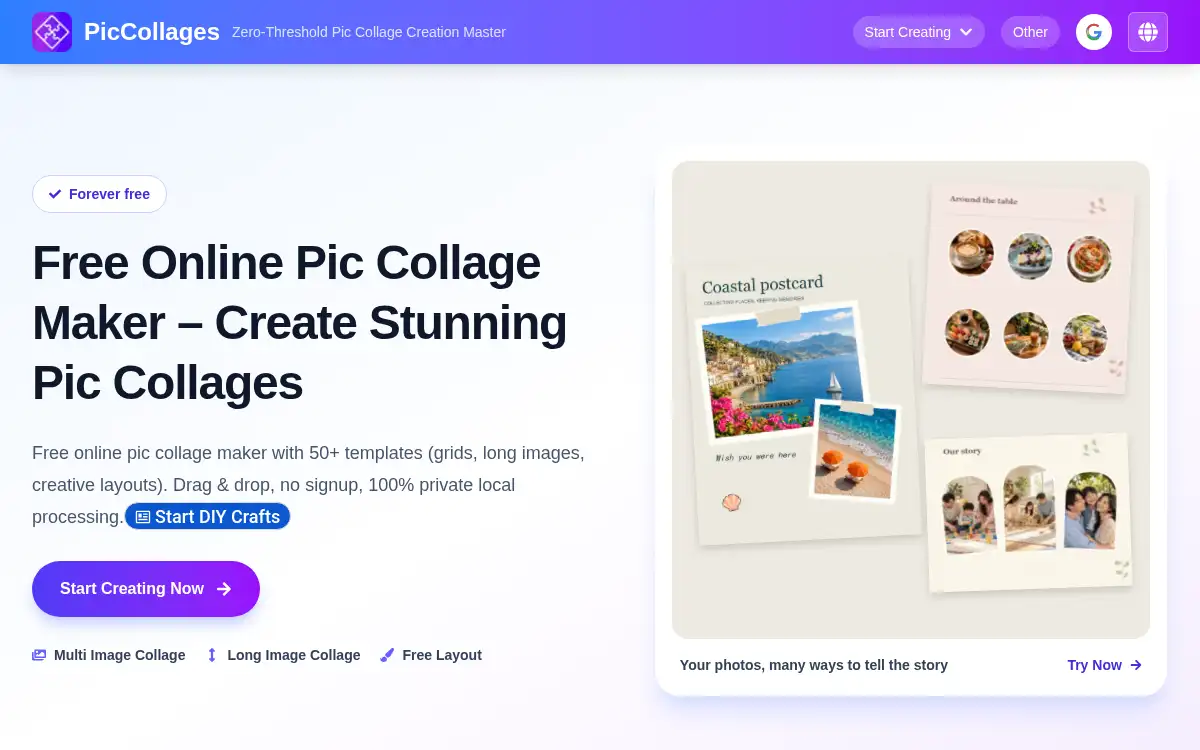
Open SitePicCollages is a free browser-based photo collage maker for grids, long image stitching, and freeform layouts. Drag in pictures, adjust spacing and borders, add text or stickers, and download a PNG or JPG with no sign-up or watermark. Editing runs locally until you choose to save a project.
Added on November 18, 2026
Product Information
What is PicCollages?
PicCollages is a free collage studio at piccollages.com. You can start from 50+ photo-slot templates (grids, magazine-style, and themed layouts), stitch photos into a vertical or horizontal long image, or design on a freeform canvas with 50 editable canvas designs. Drag and drop pictures, adjust crops, spacing, and borders, add captions and stickers, and export a high-resolution PNG or JPG. A set of extra tools covers photo mosaics, image splitting, cropping, compression, before-and-after layouts, and more. Collage editing and direct download run in your browser; source images are uploaded only if you confirm Save project. The tools stay free, with no required account or added watermark; advertising helps support the site.
How to use PicCollages?
- 1. Open piccollages.com and choose Multi Image Collage, Long Image Collage, or Free Layout, or pick a photo-slot or canvas template
- 2. Upload photos from your device and drop them into the frames, or add them freely on the canvas
- 3. Adjust crops, spacing, borders, background, and filters, and add text or stickers if you want captions
- 4. Preview the collage, then download a PNG or JPG; quality and resolution are adjustable, including a high-quality export
- 5. Optionally save a finished project to a private library, or use a companion tool such as Photo Mosaic, Split Image, or Compress Image
Core Features
- • 50+ photo-slot templates — Grids, magazine-style pages, and themed layouts; switch designs and keep extra photos when the frame count changes
- • Long image stitching — Join pictures vertically or horizontally with automatic spacing, including layouts meant for social feeds
- • Freeform canvas — Move, resize, and rotate layers, add text and stickers, and start from 50 editable canvas designs
- • Local editing, optional save — Work stays in the browser for direct export; images upload only when you confirm Save project
- • Free, no watermark — Make and download collages without an account or a required watermark
- • Companion image tools — Photo mosaic, split image, crop, compress, before-and-after, borders, and other editors in the same site
Use Cases
- • Build a birthday, wedding, or family-album grid and download it as a PNG or JPG
- • Stitch travel or group photos into one long image for a social post
- • Design a postcard, invitation, or menu on the freeform canvas with text and stickers
- • Split a picture into a multi-post grid, or make a before-and-after comparison, with the companion tools