Genjutsu AI
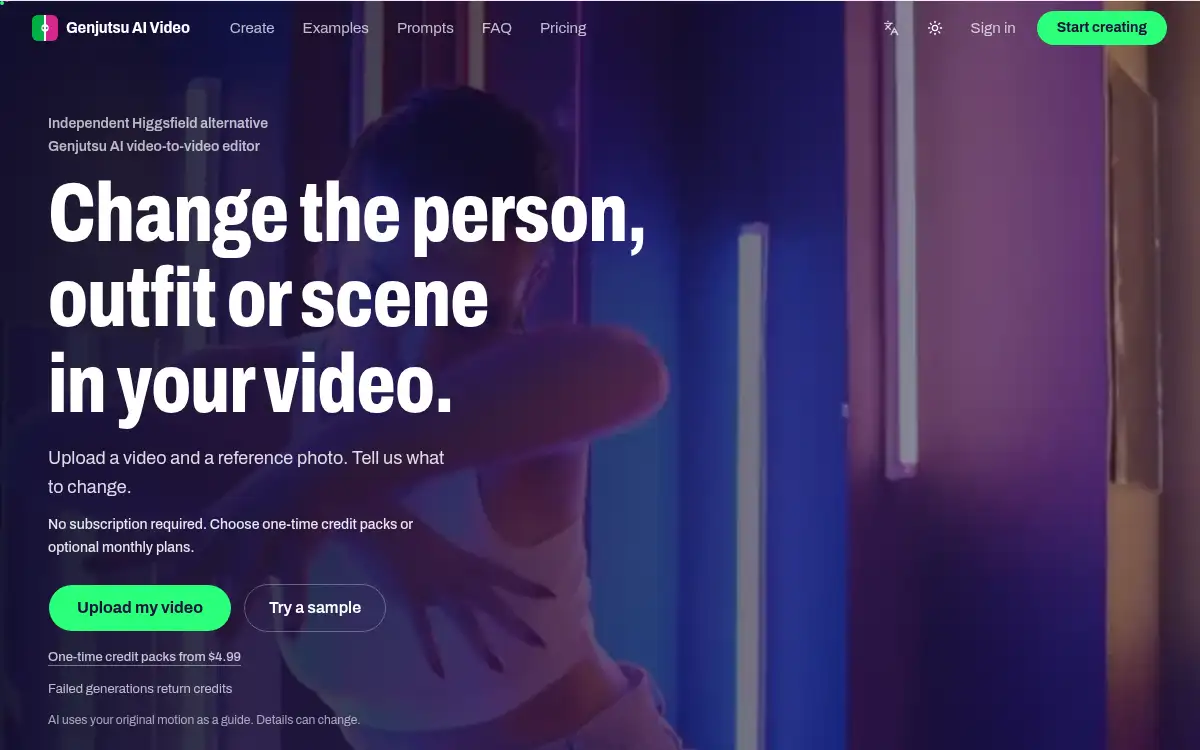
Open SiteGenjutsu AI is a browser-based video-to-video editor: upload a short clip and a reference photo, then swap the character, outfit, or scene while keeping the original motion as a guide. One-time credit packs start at $4.99; no subscription is required.
Added on November 18, 2026
Product Information
What is Genjutsu AI?
Genjutsu AI is an independent video-to-video editor at genjutsuaivideo.com. You upload an MP4 (4–30 seconds, up to 200 MB) and one to eight reference photos, describe what should change, and choose an effect — Swap, Motion transfer, or Restyle. Models include Standard (Kling O3), Lite (Genjutsu Lite), and Pro, which runs Higgsfield Genjutsu through its official API; output is 480p or 720p. Credits are charged by clip length, rounded up to whole seconds, and failed or blocked renders are refunded automatically. You can start from a sample scene if you do not have a clip yet. The first pack is a $4.99 one-time trial (300 credits); optional monthly plans start at $9.90 and can be canceled anytime. The site is not affiliated with Higgsfield.
How to use Genjutsu AI?
- 1. Open genjutsuaivideo.com and upload an MP4 clip (4–30 seconds, at least 854×480, or 640×640 for a square clip), or start from a sample scene
- 2. Add one to eight reference photos of the new character, outfit, product, or setting, and describe what should change and what should stay
- 3. Choose an effect — Swap, Motion transfer, or Restyle — and a model: Standard (Kling O3), Lite, or Pro (Higgsfield Genjutsu)
- 4. Pick 480p or 720p, check the credit cost shown on Generate, then sign in and run the render
- 5. Compare the result with the original motion, download the clip, or adjust the prompt and references and generate again
Core Features
- • Video-to-video edits — Swap a person, outfit, or product, transfer motion to a new performer, or restyle the whole clip as yarn, anime, clay, and more
- • Motion as a guide — The original camera, timing, and movement steer the edit; details such as faces, hands, or framing can still change
- • Three model tiers — Standard uses Kling O3 or FLUX.3 Edit; Lite and Pro use Genjutsu models, with Pro calling the official Higgsfield Genjutsu API
- • Reference images — Add one to eight photos of the character, outfit, product, or place you want in the clip
- • 480p and 720p — Fast drafts at 480p, sharper output at 720p; clip length is rounded up to whole seconds for billing
- • Pay as you go — One-time packs from $4.99, optional monthly plans from $9.90, and automatic credit refunds when a render fails
Use Cases
- • Replace a dancer or walker in your clip with a character, pet, or mascot from a reference photo
- • Try a new outfit, watch, or product in an existing shot without reshooting
- • Move the same performance into a new location or restyle a party clip as knitted yarn or illustration
- • Recreate a labelled example from the library, then swap in your own photo or footage