Pixel Avatar Maker
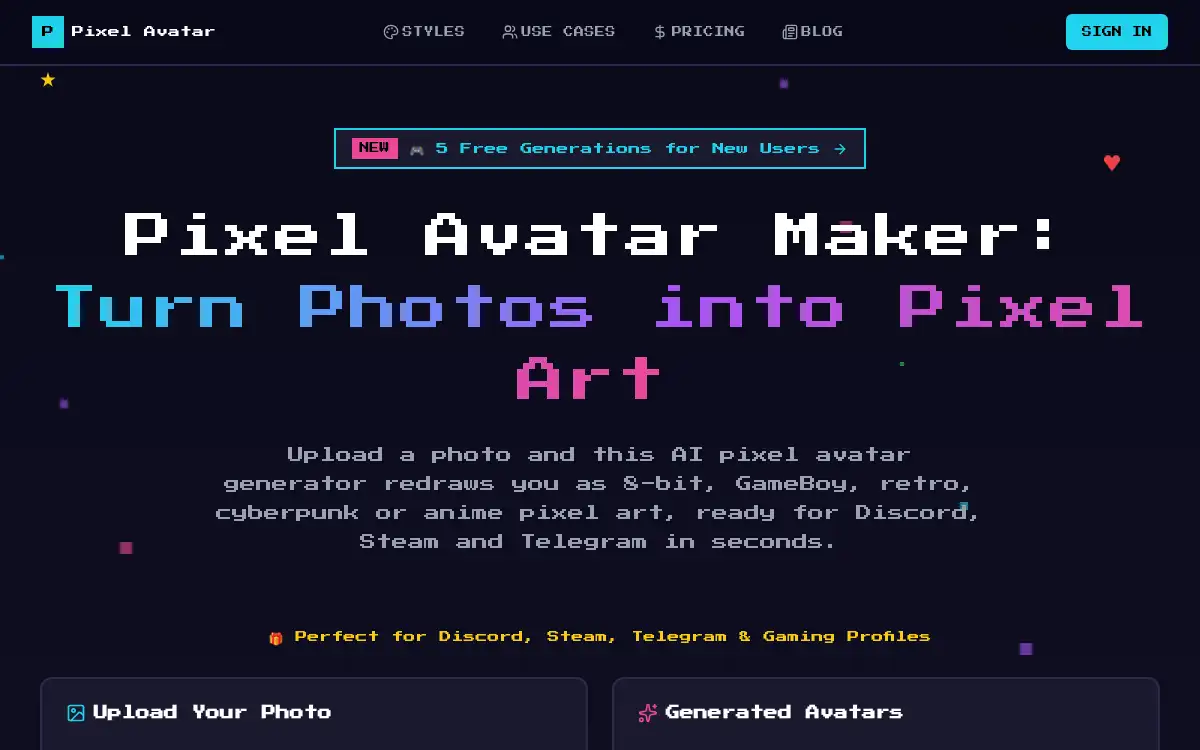
Open SitePixel Avatar Maker turns a portrait photo into pixel-art avatars in the browser. Pick one of five styles — 8-Bit Classic, GameBoy, Retro 16-Bit, Cyberpunk, or Anime Pixel — and download a square avatar for Discord, Steam, or Telegram. New users get five free generations.
Added on November 17, 2026
Product Information
What is Pixel Avatar Maker?
Pixel Avatar Maker is an AI tool that redraws a face photo as pixel art, rather than laying a generic filter over the original. You upload a clear portrait (JPG, PNG, or WebP), choose one of five styles — 8-Bit Classic, GameBoy, Retro 16-Bit, Cyberpunk, or Anime Pixel — and can also set a color mode (Original, Retro Palette, Neon, or Grayscale) and the background, including a transparent one. Free accounts export at 128px, which is enough for most profile pictures; paid plans unlock 256px, 512px, and 1024px. Most avatars are ready in under 30 seconds. New users get five free generations. Uploaded photos are kept only during generation and then deleted, and the site says you can use the results on personal profiles, streams, or commercial projects. It is built for square avatars from a face photo, not full-body pixel characters.
How to use Pixel Avatar Maker?
- 1. Open pixelavatargenerator.com and upload a clear portrait photo (JPG, PNG, or WebP)
- 2. Choose a style — 8-Bit Classic, GameBoy, Retro 16-Bit, Cyberpunk, or Anime Pixel
- 3. Optionally set the color mode (Original, Retro Palette, Neon, or Grayscale) and the background, including transparent
- 4. Pick an output size (128px on the free plan, or 256px, 512px, or 1024px on a paid plan) and generate the avatar
- 5. Download the square pixel portrait and use it on Discord, Steam, Telegram, or a stream overlay
Core Features
- • Five pixel styles — 8-Bit Classic, GameBoy, Retro 16-Bit, Cyberpunk, and Anime Pixel, each with its own palette and look
- • Color and background controls — Original, retro, neon, or grayscale, plus background options including transparent
- • Selectable export size — 128px on the free plan; 256px, 512px, and 1024px on paid plans
- • Fast generation — Most avatars are ready in under 30 seconds from a face photo
- • Five free generations — New users can try the tool before buying credits or a subscription
- • Short photo retention — Uploads are used for generation and then deleted
- • Profile-ready output — Square pixel portraits for Discord, Steam, Telegram, and streaming overlays
Use Cases
- • Make an 8-bit or GameBoy profile picture for Discord, Steam, or Telegram
- • Create a cyberpunk or anime pixel avatar that matches a stream overlay
- • Export a transparent or larger pixel portrait for a banner, print, or game project
- • Try several styles from one portrait using the five free generations