FlashVSR
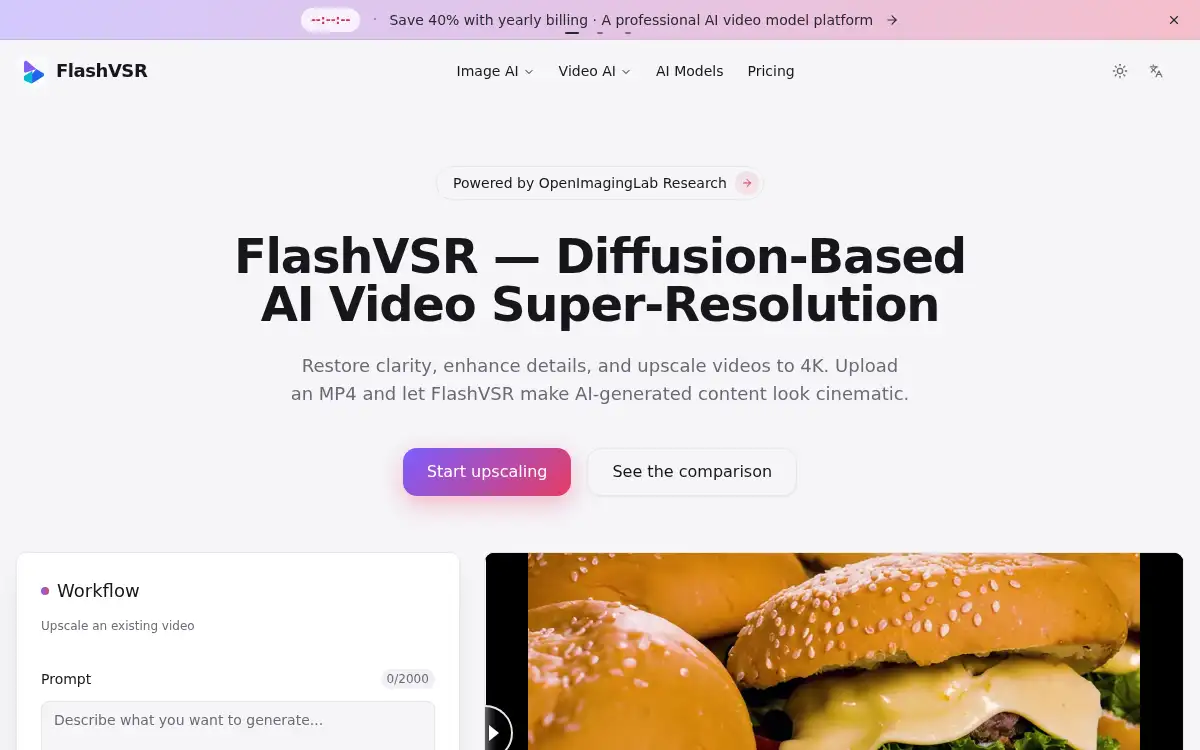
Open SiteFlashVSR is an online AI video super-resolution tool. Upload an MP4 and upscale to 720p, 1080p, 2K, or 4K with a diffusion model that rebuilds texture, reduces compression artifacts, and keeps motion temporally consistent.
Added on November 11, 2026
Product Information
What is FlashVSR?
FlashVSR is a cloud video enhancer based on OpenImagingLab's FlashVSR diffusion research from Tsinghua University and Shanghai AI Lab. You upload an existing MP4, pick a target resolution of 720p, 1080p, 2K, or 4K, and get an enhanced MP4 back without setting up a local GPU. The model is designed to rebuild texture, reduce compression artifacts, and keep motion consistent across frames through a locality-constrained sparse attention engine, rather than simply stretching each frame. The site positions it for restoring compressed or low-resolution footage and for making AI-generated clips look more cinematic. New users receive 8 free credits after signing up, and Max subscribers can email support to request API access.
How to use FlashVSR?
- 1. Open flashvsr.com and start upscaling; new users get 8 free credits after signing up
- 2. Upload an MP4 you want to restore or enlarge
- 3. Choose a target resolution: 720p, 1080p, 2K, or 4K
- 4. Run the job in the cloud and compare the original with the enhanced result in the history panel
- 5. Download the enhanced MP4, or contact support for API access if you are on the Max plan
Core Features
- • Diffusion-based reconstruction — Rebuilds texture and fine detail that simple upscalers often miss
- • Artifact reduction — Aims to remove compression damage and limit ringing or aliasing
- • Temporal consistency — Locality-constrained attention is used to reduce flicker and ghosting between frames
- • Selectable output — 720p, 1080p, 2K, or 4K, with MP4 in and MP4 out
- • Cloud processing — Runs in the browser-facing service, so you do not need a local GPU
- • Free trial credits — New accounts receive 8 credits after sign-up
- • API for Max subscribers — API access can be requested by email after the plan is verified
Use Cases
- • Restoring old or heavily compressed video to a cleaner high-resolution file
- • Upscaling short clips to 2K or 4K before publishing or archiving
- • Improving AI-generated video so motion and texture look more natural
- • Creators who want a cloud upscaler instead of running a GPU workflow locally
- • Teams that need API access for repeat video enhancement once on the Max plan