iSaveTik
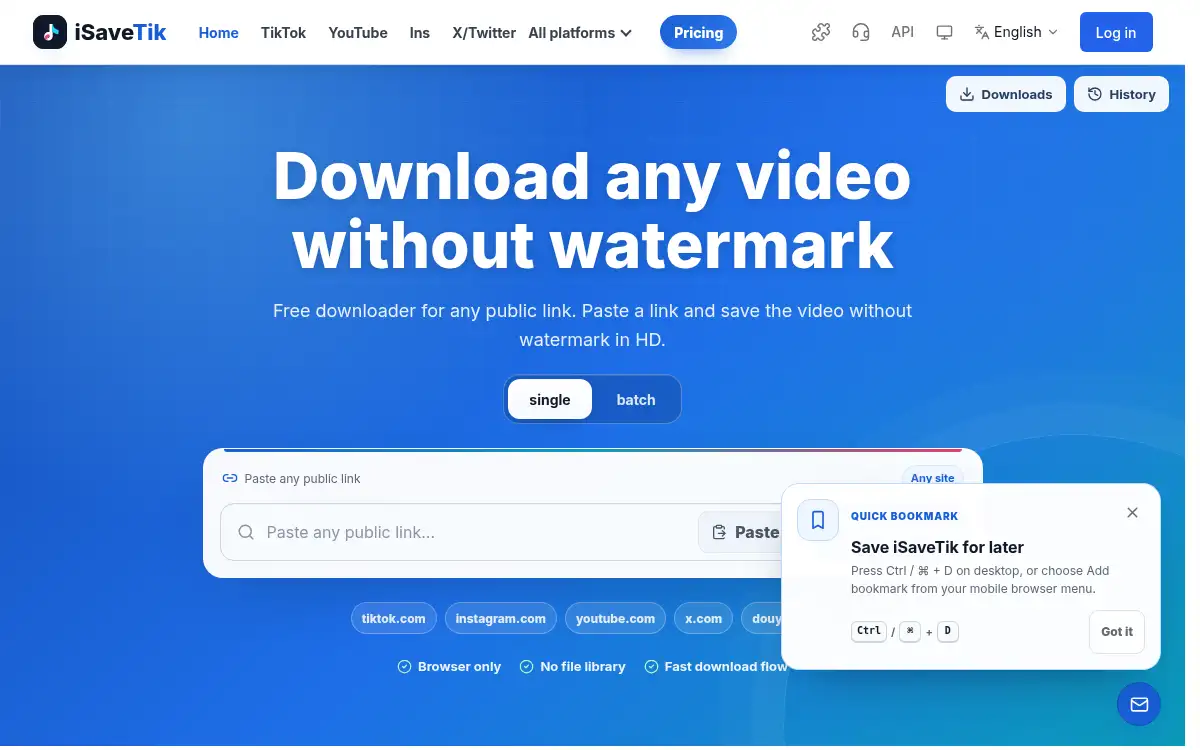
Open SiteiSaveTik is a browser tool for saving public videos in HD, without a watermark when the source allows it. Paste a public link on desktop, tablet, or phone; a Google sign-in is required, and only a successful extract uses a credit.
Added on November 14, 2026
Product Information
What is iSaveTik?
iSaveTik is a web app for downloading public videos from a share link, without installing an app or browser extension. You paste a public post URL, sign in with Google, and save the video in HD when the link can be parsed; a watermark-free file is returned when the source makes that available. It is meant for links you are allowed to download. Failed extracts do not use a credit; a successful extract uses one credit. Platform-specific pages on the site cover individual networks, but the main form accepts any public link.
How to use iSaveTik?
- 1. Copy the share link of a public post you have permission to save
- 2. Open isavetik.com in a desktop, tablet, or phone browser
- 3. Sign in with Google if you are not already signed in
- 4. Paste the link and start the extract
- 5. When the job succeeds, download the HD video (a credit is used only if the extract worked)
Core Features
- • Public-link paste — Drop in a share URL without first choosing a platform
- • HD save — Download the video in HD when the source can be parsed
- • Watermark-free when available — Return a file without watermark if the source provides it
- • Works in the browser — Use it on iPhone, Android, tablet, or desktop with no app or extension
- • Google sign-in — Sign in before extracting
- • Fair credits — A failed extract is free; only a successful extract uses 1 credit
Use Cases
- • Saving your own public posts for an archive or edit
- • Collecting public clips you have permission to reuse in a project
- • Downloading a public video on a phone without installing an app
- • Getting a clean HD file when a watermark-free version is available