C Dance AI
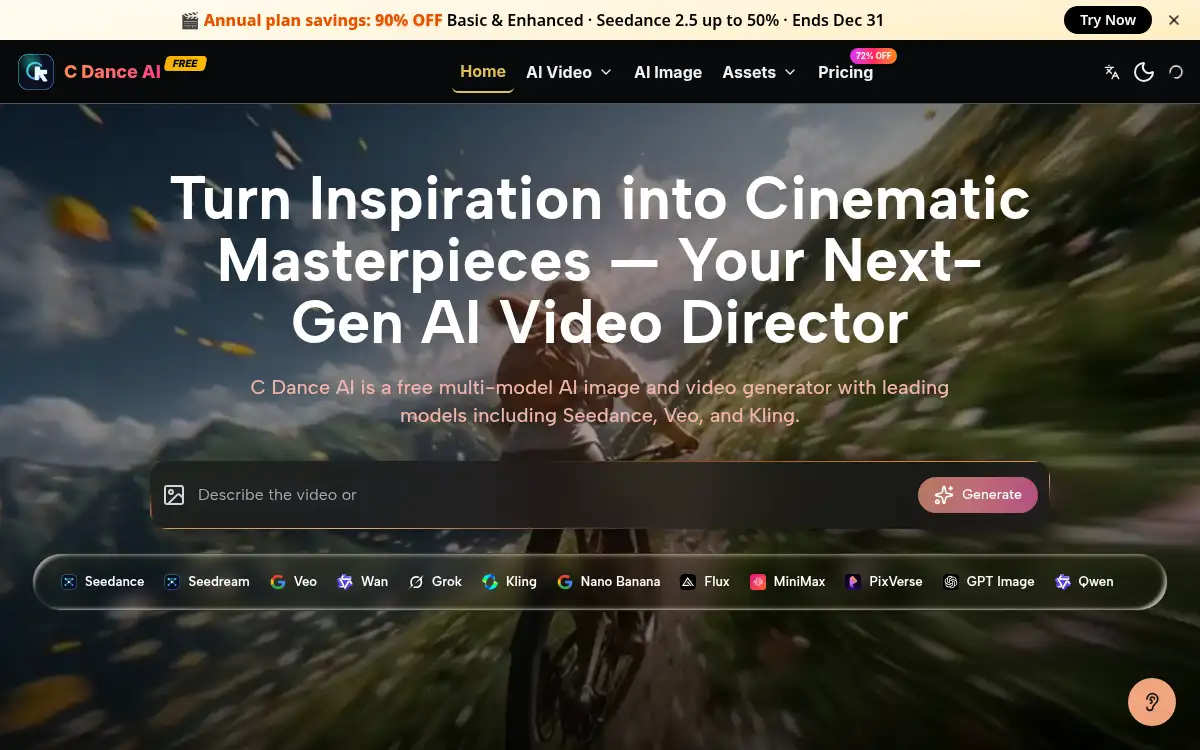
Open SiteC Dance AI is a browser studio for AI image and video generation. It offers models such as Seedance, Veo, and Kling, plus prompt libraries, photo-to-video workflows, and tools to remove burned-in captions.
Added on November 12, 2026
Product Information
What is C Dance AI?
C Dance AI is an independent web app for generating images and videos with several third-party models, including Seedance, Veo, and Kling, as well as image models such as Seedream, Flux, and GPT Image. The site positions it as a director-style workspace: you can start from text, a reference image, audio, or footage, use a prompt library (including Seedance 2.0 examples), and send a prompt or image into the generator. A ready-made photo-to-video path can turn a portrait into a vertical dance clip, with the credit cost shown before you run the job. Separate cleanup tools remove burned-in subtitles or captions from a short clip so you can review the result before download. The homepage describes it as free to try, with paid plans for higher usage.
How to use C Dance AI?
- 1. Open cdance.net and start from the generator, or pick a prompt example from the library
- 2. Choose an image or video model such as Seedance, Veo, or Kling, and add a text prompt, reference image, audio, or clip
- 3. Check the credit cost shown before you run the job, then generate and review the clip
- 4. Iterate on motion, framing, or style in the same workspace until the result is ready to download
- 5. If you need to clean an existing video, use the subtitle or caption remover, preview the repair, and export
Core Features
- • Multi-model workspace — Generate with models such as Seedance, Veo, Kling, Seedream, Flux, and GPT Image
- • Mixed inputs — Guide a clip with text, images, audio, or source footage
- • Prompt library — Browse Seedance examples, copy a structure, or send it into the generator
- • Photo-to-video dance workflow — Start from a portrait with preloaded vertical settings and a visible credit cost
- • Subtitle remover — Upload a short clip, strip burned-in text, and review before download
- • Caption cleanup — Detect captions in the picture, repair frames, and export the result
- • Free to try — Start on the site; paid plans are offered for heavier use
Use Cases
- • Making short dance or performance videos from a single portrait
- • Marketing and music promo clips without a full shoot crew
- • Testing outfits, scenes, hooks, and camera moves before a final production spend
- • Cleaning burned-in subtitles or captions from an existing short clip
- • Reusing a prompt-library example as a starting structure in Seedance or another model