Paper Animation
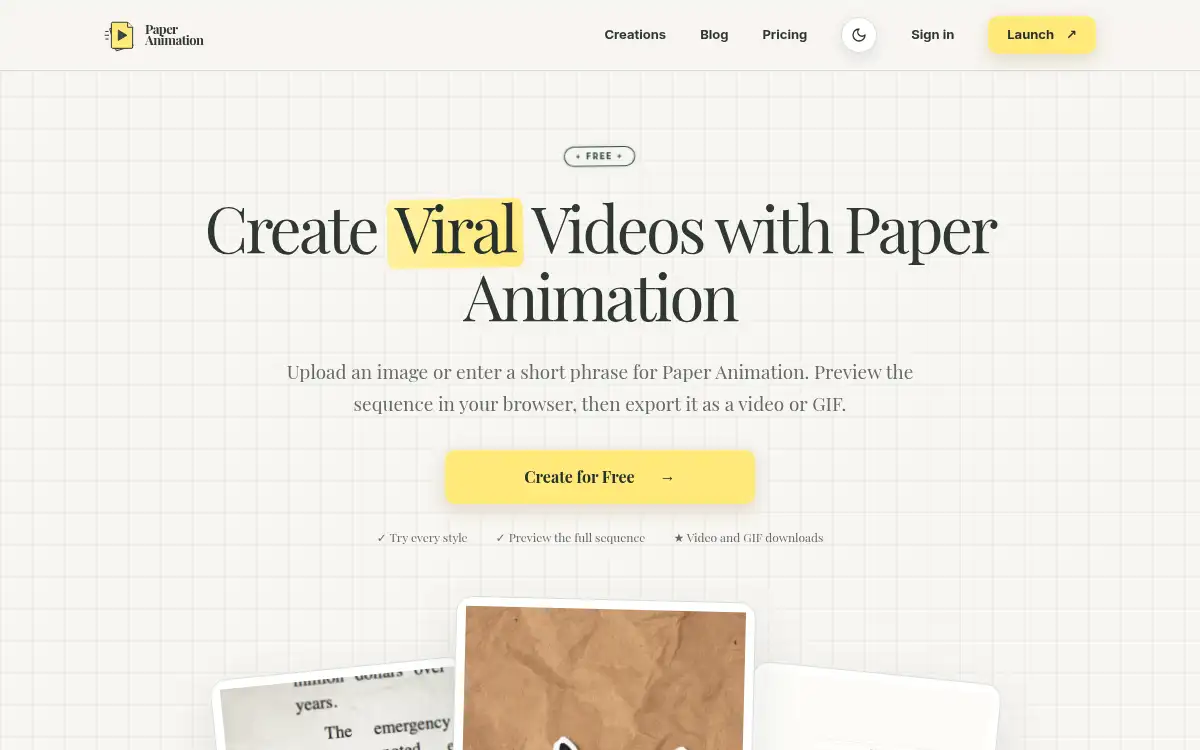
Open SitePaper Animation is a browser tool that turns an image or a short phrase into a paper-style video or GIF. You pick a style, preview the sequence, and export it for social posts, presentations, or edits.
Added on November 12, 2026
Product Information
What is Paper Animation?
Paper Animation is a web app for making short paper-inspired motion from a still image or a short phrase. Paper Fold starts from a PNG, JPG, or WebP and runs a nine-stage fold or unfold reveal. Highlight, Magazine, and Press start from text and give that copy a newspaper, magazine, or press-style treatment. In the editor you can change aspect ratio, frame count, type, colors, and texture, then preview the full sequence in the browser before export. Watermarked 720p downloads are free; a one-time 30-day or lifetime pass unlocks unlimited 1080p, watermark-free video and GIF exports, with no subscription. Projects stay in the current browser until you clear site data.
How to use Paper Animation?
- 1. Open paperanimation.net and start a free project in the browser
- 2. Choose a style: upload a PNG, JPG, or WebP for Paper Fold, or enter a short phrase for Highlight, Magazine, or Press
- 3. Adjust aspect ratio, frame count, type, colors, texture, and style-specific controls, then preview the full sequence
- 4. Export as a video or GIF; free exports are watermarked 720p
- 5. Buy a 30-day or lifetime pass if you need unlimited 1080p, watermark-free downloads
Core Features
- • Paper Fold — Turn a PNG, JPG, or WebP into a nine-stage fold or unfold reveal
- • Text styles — Highlight, Magazine, and Press animate a short phrase in paper-inspired looks
- • In-browser preview — Fine-tune settings and watch the full sequence before you export
- • Aspect ratios — Five social and widescreen sizes, with 4 to 20 animation frames
- • Video and GIF export — Download in the ratio you selected
- • Free and paid passes — Watermarked 720p is free; one-time passes unlock 1080p without a watermark
- • Local projects — Save work in the current browser and reopen it from Creations on the same device
Use Cases
- • Brand and marketing teams adding a paper treatment to launches, campaigns, or event announcements
- • TikTok or Reels creators making fold reveals, animated headlines, and cutout text for hooks
- • Teachers and students turning key terms or presentation titles into short, readable motion
- • Podcast and clip makers animating episode titles, guest names, or quotes
- • YouTube editors building intro cards, chapter breaks, and announcement graphics in the browser