Sens Converter
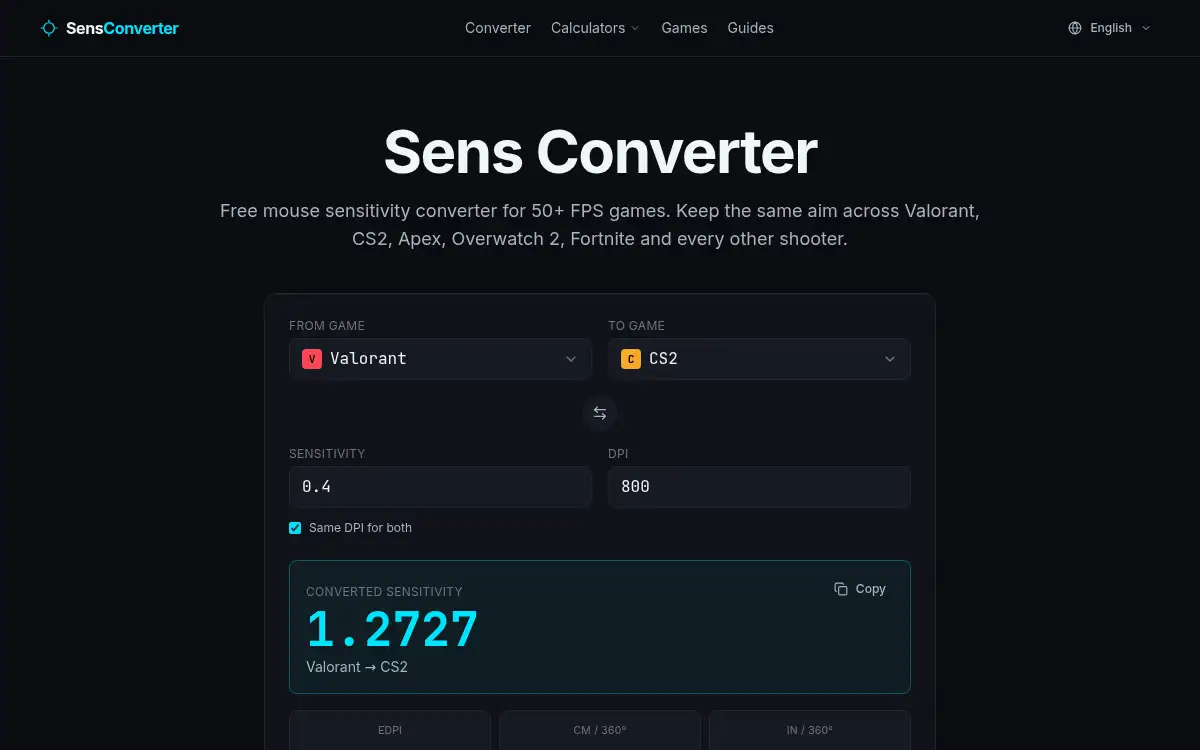
Open SiteSens Converter is a free in-browser mouse sensitivity converter for 50+ FPS games. It keeps your cm/360° the same when you carry a sensitivity from titles such as Valorant, CS2, Apex, Overwatch 2, or Fortnite into another shooter.
Added on November 22, 2026
Product Information
What is Sens Converter?
Sens Converter (sensconverter.org) is a free, no-account utility that translates mouse sensitivity between more than 50 FPS games and aim trainers so your muscle memory stays intact. Each game uses a different yaw (degrees of view rotation per mouse count) — for example Valorant uses 0.07 and CS2 uses 0.022 — so the same raw sensitivity number produces a different 360° swipe. The converter does that yaw-aware math and also reports eDPI and centimeters (or inches) per 360° for both the source and the target. Supported titles listed on the site include Valorant, CS2, Apex, Overwatch 2, Fortnite, COD Warzone, Rainbow Six Siege, Marvel Rivals, and aim trainers. It runs in the browser, works offline once loaded, and does not sit behind a signup or paywall.
How to use Sens Converter?
- 1. Open sensconverter.org and pick the game you currently play
- 2. Enter your in-game sensitivity and mouse DPI (leave “Same DPI for both” on unless the new setup uses a different DPI)
- 3. Choose the target shooter; the converter keeps the cm/360° identical and shows the new sensitivity, plus eDPI and 360° distance
- 4. Copy the converted sensitivity with the precision the tool outputs (most games accept 3–6 decimals) and paste it into the target game’s settings
- 5. If you use a 0% Monitor Distance or similar scaling, convert at the same FOV you actually play; for most titles, FOV does not change the conversion
Core Features
- • 50+ FPS games — Valorant, CS2, Apex, Overwatch 2, Fortnite, COD Warzone, Rainbow Six Siege, Marvel Rivals, aim trainers, and more
- • Yaw-accurate math — Uses each engine’s real yaw so your 360° sweep matches in-game, not a rounded approximation
- • eDPI and cm/360° — Every conversion also shows effective DPI and centimeters (or inches) per 360° for both games
- • Same or different DPI — Convert with a shared DPI, or set a new DPI for the target setup
- • Free, no account — No sign-up or paywall; once loaded, the tool can work offline
- • Practical precision — Output is precise enough that rounding to three decimals typically keeps 360° error under a millimeter on a typical setup
Use Cases
- • Move a practiced Valorant sensitivity to CS2 (or the other way) without retraining your swipe
- • Compare your feel with a teammate or a pro by looking at eDPI and cm/360° instead of raw sens numbers
- • Keep the same aim when you switch from one shooter or aim trainer to another title on the list
- • Recalculate sensitivity after a DPI change so the physical 360° distance stays the same