Explainer Video Generator
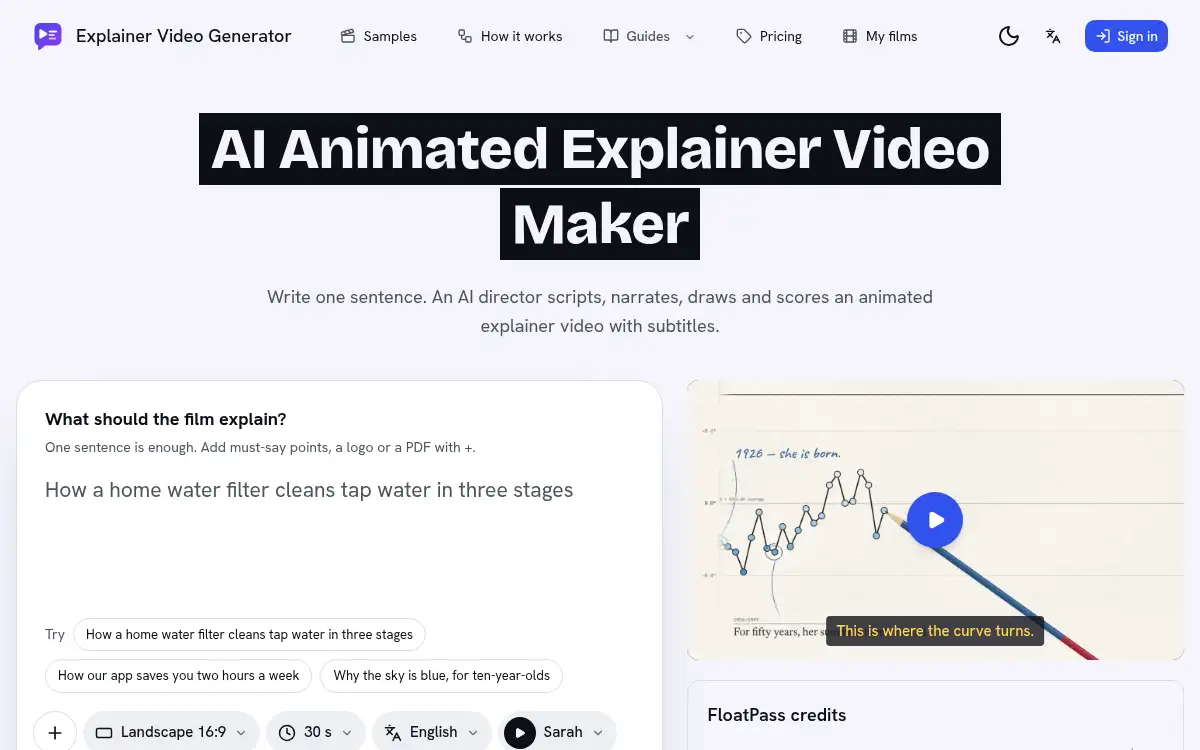
Open SiteExplainer Video Generator is an animated explainer video maker: you write one sentence, and an AI director scripts, narrates, draws, and scores a 15-to-60-second film with subtitles. Every frame is drawn scene by scene in a look you can name—such as a whiteboard, blueprint, data story, or isometric map—not filmed footage or avatars.
Added on November 25, 2026
Product Information
What is Explainer Video Generator?
Explainer Video Generator (explainervideogenerator.com) turns a brief into a finished animated explainer. You describe what the film should explain (up to 2,000 characters), and can add up to ten must-include points, up to five images such as a logo, and up to eight files (PDFs, slides, spreadsheets, or notes) for the director to read. Then you pick landscape 16:9 (15–60 seconds) or vertical 9:16 (15 or 30), English or Chinese narration, one of eight previewable voices, and an audience (everyone, children, or parents). In about 30–50 minutes it scripts, narrates, draws every scene, and scores the film; you can close the page and later download an MP4, SRT subtitles, and a cover from My films. Samples are free; films use one-time credits (about $6.45 for 15 seconds up to about $19.34 for 60) with no subscription, and failed jobs return credits. Every frame is code-drawn—no real people or filmed shots—and the films are yours to use commercially if you have rights to uploaded assets.
How to use Explainer Video Generator?
- 1. Open explainervideogenerator.com (the main maker, not the blog) and write one sentence describing what the film should explain; add must-say points, a logo, or a PDF if needed
- 2. Choose landscape 16:9 or vertical 9:16, a length from 15 to 60 seconds (vertical is 15 or 30), English or Chinese, a narrator after listening to the samples, and an audience
- 3. Check the credit price shown on the button, then start the film; you can close the page while it is made
- 4. In about 30–50 minutes, open My films and download the MP4, the SRT subtitles, and the cover image
- 5. If a film fails, the credits return to your balance and you can rerun or edit the same sentence
Core Features
- • Sentence-to-film direction — One brief (up to 2,000 characters) becomes a scripted, narrated, drawn, and scored explainer
- • Named visual looks — Ask for a whiteboard, blueprint, data story, isometric map, or similar style and the director draws in that look, scene by scene
- • Must-say points and source files — Up to ten required points and up to eight documents or spreadsheets inform the script; up to five images such as a logo can appear in the film
- • Voice, language, and audience — Eight narrators with samples, English or Chinese, and wording paced for everyone, children, or parents
- • Subtitles and deliverables — Timed captions in the video plus an SRT file, an original score, and a cover image alongside the MP4
- • Credit pricing, no subscription — One-time top-ups at $1 = 250 credits; published prices from about $6.45 (15s) to about $19.34 (60s); failed jobs refund credits
- • Commercial use — Films you generate are yours to use on sites, ads, courses, and client work, provided you have rights to uploaded assets
Use Cases
- • Launch a product with one feature per scene, your logo and screenshots on screen, and a price or link on the end card
- • Teach a single idea for a class, course, or help page, including a version written for children
- • Turn figures or a spreadsheet into a narrated data-story explainer with charts drawn to the numbers
- • Cut a vertical 15- or 30-second version with burn-in subtitles for TikTok, Reels, or Shorts
- • Turn a short PDF or slide deck into a 30-second narrated explainer without filming or hiring an animation studio