ReelTada
Open SiteReelTada turns one clear photo into a short AI video with ready-made dance, pet, meme, and transformation templates for TikTok, Instagram Reels, and YouTube Shorts. Choose a template, follow its photo instructions, and download a 720p MP4—no timeline editing required.
Added on November 26, 2026
Product Information
What is ReelTada?
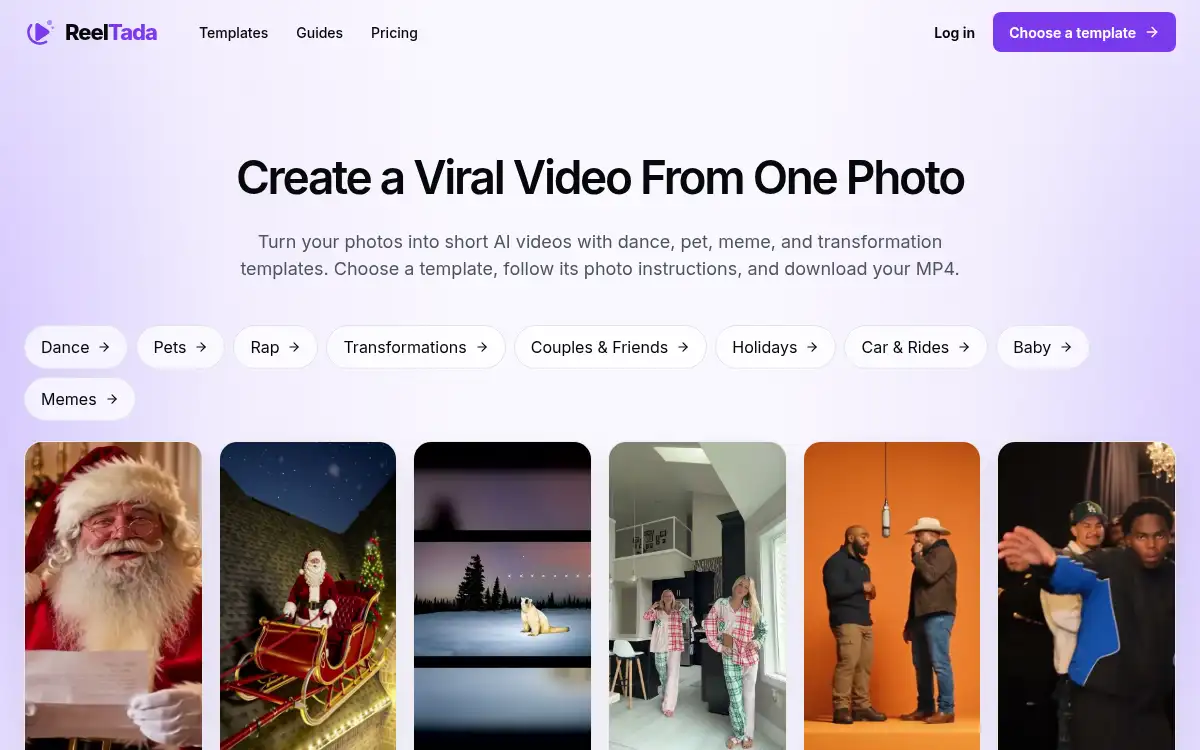
ReelTada (reeltada.com) is a template-based AI video generator for short, trend-ready clips. You pick one of the live templates—grouped into categories such as Dance, Pets, Rap, Transformations, Couples & Friends, Holidays, Car & Rides, Baby, and Memes—and upload the photo or photos that template asks for. Each template page shows an example, the required photos, duration, aspect ratio, and credit cost. Completed videos are delivered as 720p MP4 files, in vertical or landscape depending on the template, and you can preview before downloading. You can browse without an account, but must sign in to generate or buy credits. Standard templates use 10 credits per generation; the complete 37-second Baby Lip Sync video uses 30 credits. Credits are sold as one-time packs with no subscription, and failed generations return the credits used for that attempt.
How to use ReelTada?
- 1. Open reeltada.com and browse a category, or open a specific template such as a dance, pet, meme, or holiday format
- 2. Read the template's photo instructions—some use one portrait or pet photo, others need a group photo or separate photos for different roles
- 3. Sign in, then upload the photos the template asks for and start generation
- 4. Preview the finished vertical or landscape short and download the 720p MP4
- 5. If a generation fails, the credits for that attempt are returned to your account; contact support@reeltada.com if you need help with a task or payment
Core Features
- • Trend-ready templates — Choose a recognized short-form format (dance, pet, meme, transformation, and other scenes) instead of directing motion from scratch
- • Photo-to-video workflow — Upload the photos each template specifies, then generate and download an MP4
- • Clear per-template details — Each template page shows an example, required photos, duration, aspect ratio, and credit cost
- • 720p MP4 download — Finished videos are delivered as 720p MP4; duration and aspect ratio follow the template and selected scene, including both vertical and landscape
- • One-time credit packs — Starter is $6.89 for 10 credits (one standard generation), Creator $22.89 for 40 credits, and Studio $46.89 for 90 credits, with no subscription or automatic renewal
- • Failed-generation credit return — If a task fails, the credits used for that attempt are returned to your account
- • Browse without signing in — You can explore templates and examples first; an account is required only to generate or buy credits
Use Cases
- • Turn a portrait or group photo into a dance or meme short for TikTok, Instagram Reels, or YouTube Shorts
- • Make a holiday or seasonal clip, such as a Santa message or Christmas dance, from a room, adult, or pet photo
- • Animate a pet photo with a pet-focused template without filming new footage
- • Drop a vehicle photo into a car-and-rides template for a social post
- • Preview a template's example and credit cost before buying a one-time pack and generating your own MP4