Video Text Remover
Open SiteVideo Text Remover is a browser tool that clears burned-in captions, prices, dates, and titles from short videos you own, so you can reuse the footage in a new campaign or language version. You mark up to three fixed areas and time ranges, preview locally, then run AI removal and add replacement text in your own editor.
Added on November 26, 2026
Product Information
What is Video Text Remover?
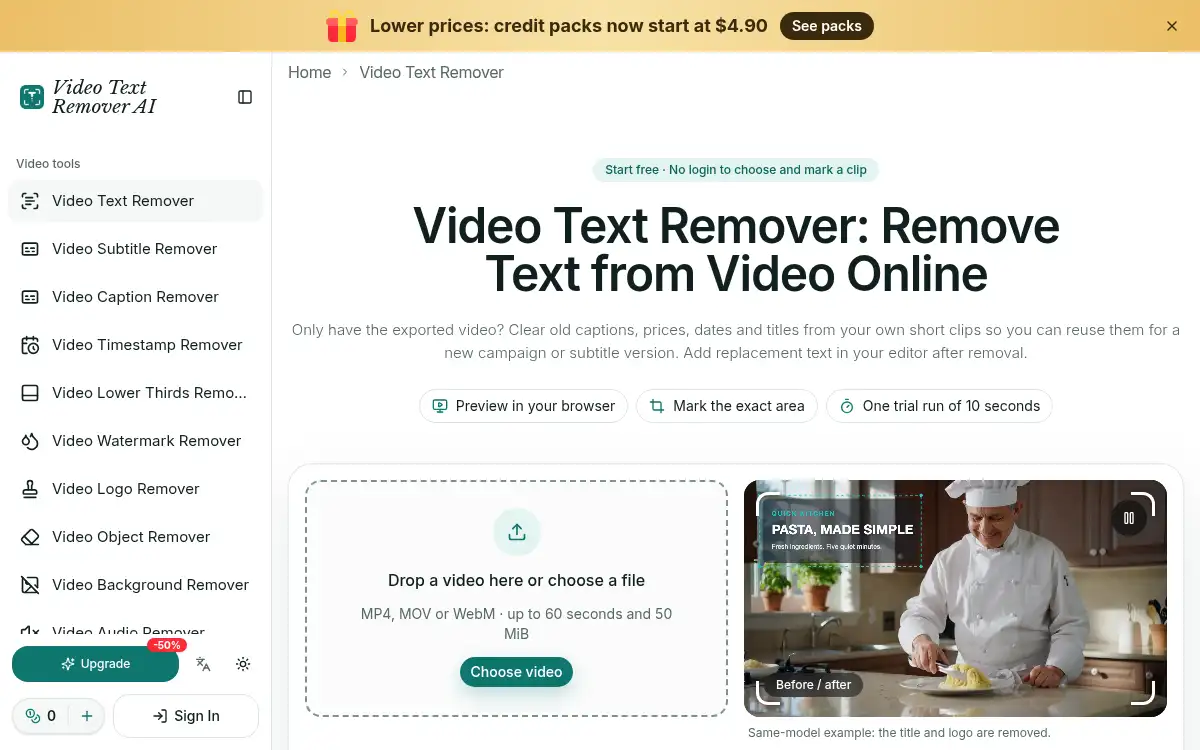
Video Text Remover (videotextremover.net) clears burned-in captions, prices, dates, and titles from short clips you own, then rebuilds the picture behind them. You choose an MP4, MOV, or WebM file of up to 60 seconds and 50 MiB, play it in the browser, and draw up to three boxes around the text, setting when each box applies. Choosing, playing, and marking stay on your device; the clip is uploaded only when processing starts. Each account can use one trial run of up to 10 seconds, shared across the site's server-processed removal tools. Paid runs cost 1 credit per second of the full input clip, with a 3-second minimum, and the estimate is shown before you submit. One-time credit packs start at $4.90 for 100 credits and do not expire; monthly and annual plans are also available. Failed runs return their credits. The tool does not add a site watermark on export.
How to use Video Text Remover?
- 1. Open videotextremover.net and choose an MP4, MOV, or WebM clip (up to 60 seconds and 50 MiB)—no login is required to pick and mark a file
- 2. Play the clip on your device and drag up to three boxes tightly around the words; resize from the corners and set each box's time range on the timeline
- 3. Review the credit estimate (the full clip is billed, rounded up, with a 3-second minimum), then sign in if needed and submit for processing
- 4. After processing, play the entire result, compare dimensions, duration, and audio with the original, and download the version you want to keep
- 5. Add any new captions, prices, or titles in your own editor; task files are kept for 7 days and can be deleted sooner in My tasks
Core Features
- • Local preview and markup — Choose, play, and mark a clip in the browser; the file is uploaded only when processing starts
- • Up to three timed boxes — Draw tight boxes around fixed text and set when each one applies, so more of the clip stays untouched
- • Short-clip limits — Accepts MP4, MOV, or WebM up to 60 seconds and 50 MiB
- • One 10-second trial — Eligible accounts get one AI trial run of up to 10 seconds, shared across the site's server-processed removal tools
- • Credit pricing shown up front — Paid removal is 1 credit per second of the full clip, at least 3 billed seconds, with the cost visible before you submit
- • One-time packs and subscriptions — Credit packs start at $4.90 for 100 credits and never expire; monthly and yearly plans are listed for repeat work, and failed runs return their credits
- • No site watermark on export — The tool does not overlay its own watermark; inspect the download for marks already in the source or processing output
Use Cases
- • Clear burned-in subtitles from a clip you may edit, then add a new language version in your editor
- • Remove an expired price or offer from a product Reel or ad before adding the current campaign text
- • Take an old date or title off a travel or training clip you want to reuse
- • Recover a useful CapCut or social export when you only have the finished file, not the editable project
- • Refresh a short tutorial by removing outdated on-screen labels before recording new instructions