Novastart
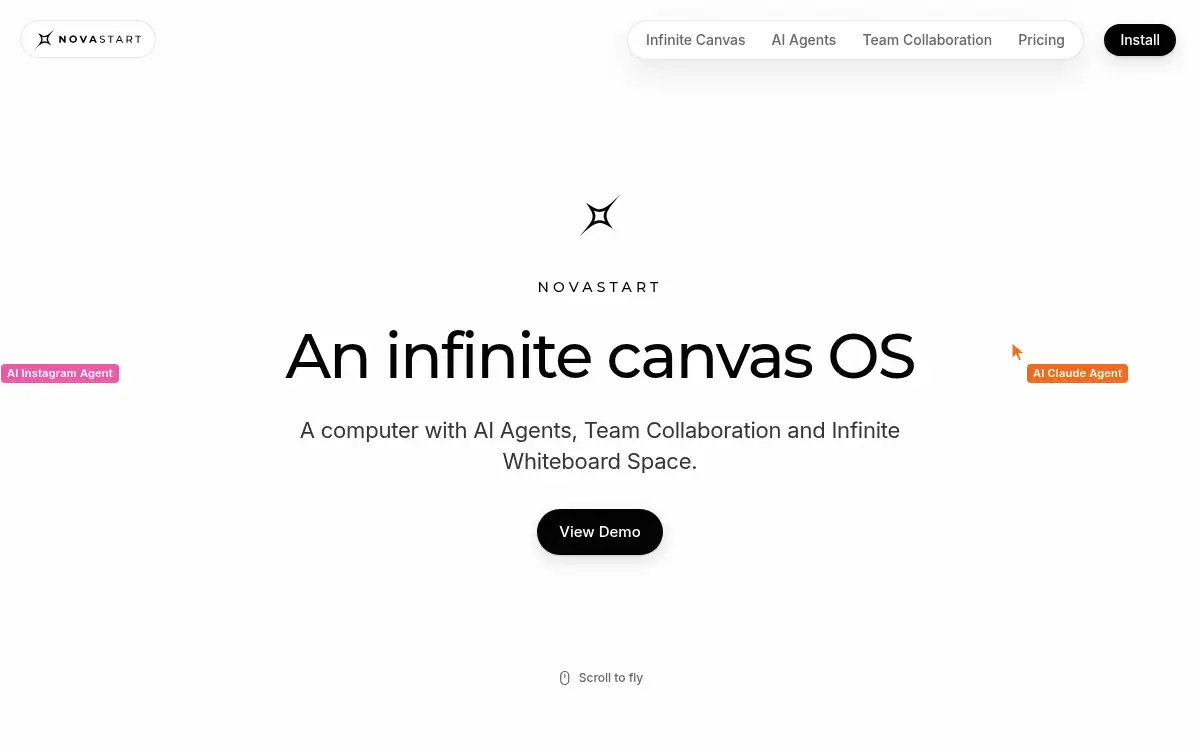
Open SiteNovastart is an infinite-canvas operating system where your apps, teammates, and AI agents work side by side on one shared desktop. You can download the app or install the OS, start on a free plan, and keep windows where you left them the next day.
Added on November 27, 2026
Product Information
What is Novastart?
Novastart (novastart.com) is an infinite-canvas operating system that places everyday apps on a zoomable whiteboard instead of a traditional desktop. Apps open as real windows—Gmail, Excel, WhatsApp, Notion and thirty more, signed in as you, plus any site in bundled Chrome, ONLYOFFICE, and Linux apps—and stay where you left them. You can keep separate canvases for work, projects, or travel. Every plan can run up to 10 AI agents at $0.02 per use, paid from credits bought in amounts of $25 or more; you can pause, type a correction, or take a window back. The Team plan lets each teammate drive windows on the same canvas, machine to machine, with no server in the middle. All three plans start from the same download: Free (one folder, two canvases, and four windows on each), Pro at $10 per month, and Team at $20 per month, the last two with unlimited folders, canvases, and windows.
How to use Novastart?
- 1. Open novastart.com and install Novastart from the same download used by every plan
- 2. Start on the Free plan, or choose Pro or Team if you need unlimited canvases or shared-canvas collaboration
- 3. Open everyday apps onto the canvas, arrange them into folders and separate spaces, and zoom or pan to move between a single window and the wider layout
- 4. Optionally buy agent credits (from $25) and have up to 10 agents work in sight; pause, correct, or take a window back at any time
- 5. On the Team plan, share a canvas so each person can drive windows with their own cursor, then leave and return to find the room as the team left it
Core Features
- • Infinite canvas desktop — Everyday apps open as real windows on a zoomable whiteboard, with positions and tabs saved for the next day
- • Separate canvases — Create spaces for work, school, projects, travel, finances, or research, held in folders the way a desktop holds files
- • Shared app access on every plan — Gmail, Excel, WhatsApp, Notion and thirty more, plus bundled Chrome, ONLYOFFICE, and Linux apps, signed in as you
- • In-sight AI agents — Up to 10 agents per task, each with its own cursor; you can pause, type a correction, or take a window back. Each use costs $0.02, from credits of $25 or more
- • Team canvas (Team plan) — Each teammate has a working cursor, can use another person’s apps machine to machine with no server in the middle, and can chat on the OS
- • Free, Pro, and Team — Free is limited to 1 folder, 2 canvases, and 4 windows per canvas; Pro is $10 per month and Team $20 per month, both with unlimited folders, canvases, and windows
- • One install for every plan — The Free, Pro, and Team plans start from the same download
Use Cases
- • Keep a household budget, travel plan, and work apps on one canvas so you do not rebuild the same desktop every morning
- • Zoom out to see several project spaces at once, then zoom in to edit a single spreadsheet or document
- • Watch AI agents draft a trip plan or fill nearby windows, and step in mid-run if something needs a correction
- • Share one canvas with a remote teammate so both of you can click and type in the same windows instead of screensharing
- • Start on the free limits, then move to Pro for more room or Team when you need live collaboration