Text Photo AI
Open SiteText Photo AI is a browser editor for adding, replacing, or removing words in posters, menus, signs, and product photos when you no longer have the original design file. Adding a caption and downloading a PNG is free; replacing or removing existing lettering uses AI credits after you sign in.
Added on November 27, 2026
Product Information
What is Text Photo AI?
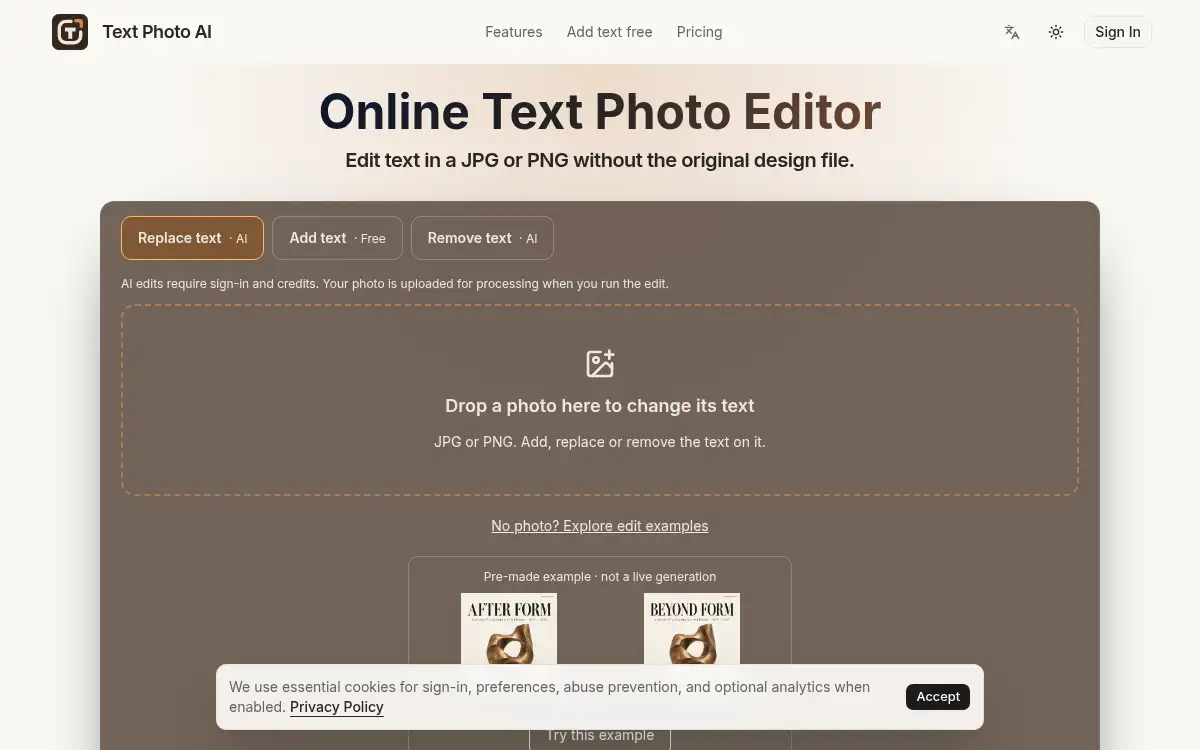
Text Photo AI (textphotoai.com) is a browser-based editor for words already in a JPG or PNG, up to 10 MB, when you no longer have the original design file. Add text places a new caption in your browser—you can set the typeface, size, color, and position and export a PNG at the original dimensions without signing in. Replace text asks AI to redraw existing lettering in place, and remove text asks AI to fill in the background behind selected words. AI replace and remove require sign-in, upload the photo for processing, and use 4 credits per standard attempt, including retries; eligible new accounts can try one standard edit with 4 trial credits valid for 7 days. One-time packs do not expire or renew automatically: Mini is $4.99 for 40 credits, Standard $14.90 for 160, and Large $29.90 for 400. Confirmed failed tasks return credits. Subscriptions are also offered for regular use, with credits reset monthly.
How to use Text Photo AI?
- 1. Open textphotoai.com and upload a JPG or PNG up to 10 MB, or open one of the prepared examples
- 2. Choose add text for a new caption, or enter the old and new wording to replace text, or specify the words to remove
- 3. For a free caption, adjust the font, size, color, and position in the browser, then download a PNG at the original image size—no account required
- 4. For an AI replace or remove, sign in, check the 4-credit cost in the editor, run the edit, and inspect spelling, lettering, and nearby details in the result
- 5. Download the finished image; buy a one-time credit pack if you need more AI attempts, or use the 4 trial credits on an eligible new account within 7 days
Core Features
- • Free in-browser captions — Add text on a local photo, style the type, and export a PNG without signing in
- • AI text replacement — Redraw a headline, typo, or translated phrase while aiming to keep the original lettering style, weight, size, and placement
- • AI text removal — Clear selected words and restore the surrounding background, such as packaging grain or a sign surface
- • Existing-image workflow — Edit a JPG or PNG up to 10 MB when you no longer have the original design file, including screenshots, menus, posters, and storefront photos
- • Visible credit cost — A standard AI edit or retry uses 4 credits; the editor shows the cost before you submit
- • One-time credit packs — Mini $4.99 / 40 credits, Standard $14.90 / 160 credits, and Large $29.90 / 400 credits, with no automatic renewal and credits that do not expire
- • Trial and failed-task handling — Eligible new accounts get 4 trial credits for 7 days; confirmed failed tasks return credits, and existing results can be re-downloaded at no extra credit cost
Use Cases
- • Add a weekend offer or price line to a product photo and download a PNG without signing up
- • Replace a typo or outdated headline on a menu, poster, or bakery sign when the original layout file is gone
- • Translate selected lettering on a storefront photo while keeping the original lettering style
- • Remove an expired promotion from packaging and check that the brand and texture are still intact
- • Try one AI edit with the 4 trial credits, then buy a one-time pack if you need more replacements or removals