Block Poster
Open SiteBlock Poster is a free browser tool that turns any photo into a multi-page PDF poster you can print at home on A4, Letter, A3, Legal, or Tabloid paper. There is no signup or watermark, and the image is sliced locally in your browser.
Added on November 22, 2026
Product Information
What is Block Poster?
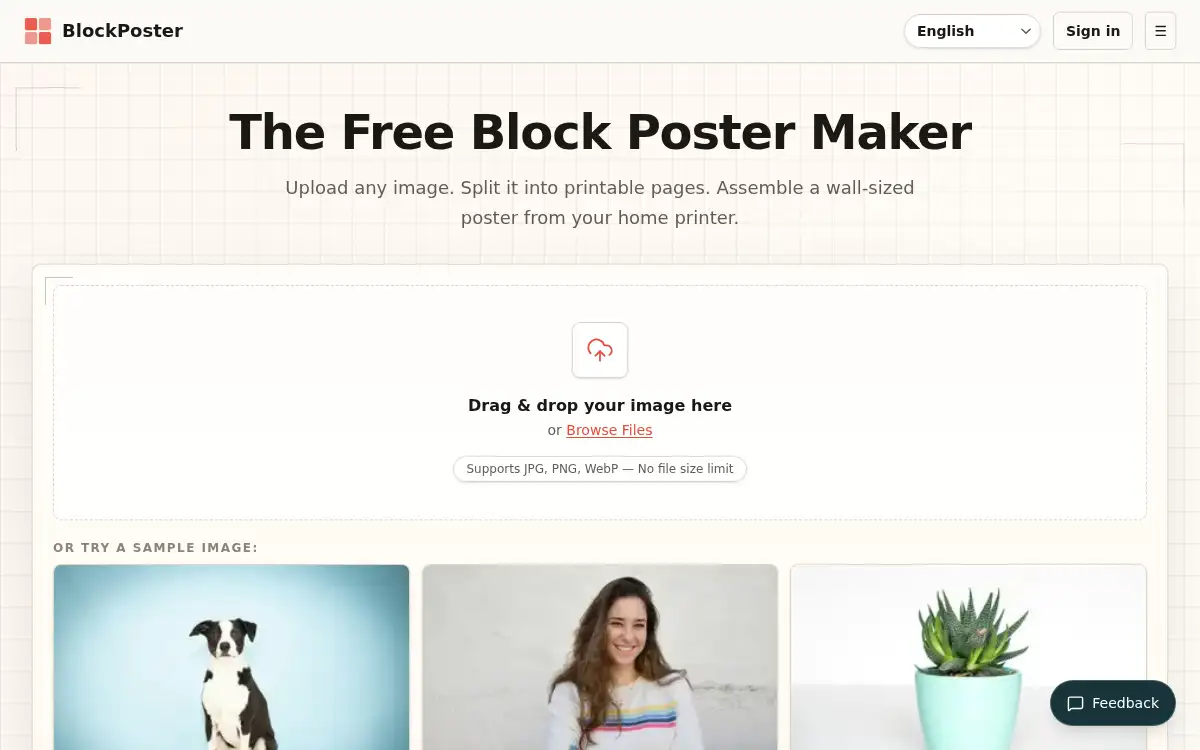
Block Poster (blockposter.net) is a free online block-poster maker for turning a JPG, PNG, or WebP image into a tiled PDF you can print on a home printer and assemble into a wall-sized poster. You choose the paper size (A4, US Letter, A3, Legal, or Tabloid), orientation, margins, page grid, and overlap, then preview the layout before downloading. Slicing the image and building the PDF happen in the browser, with no file-size cap and no upload for the standard workflow; the only exception is optional Pro cloud background removal, which sends the chosen image through their server to Replicate. After printing at 100% / Actual Size (not Fit to Page), you trim the overlap edges, align the image details, and tape the sheets from the back. It is aimed at classroom displays, craft patterns, photo walls, and event banners when a print shop is more than you need.
How to use Block Poster?
- 1. Open blockposter.net and upload a JPG, PNG, or WebP — drag and drop or pick a file; there is no size limit, and a sample image is available if you want to try the layout first
- 2. Set the paper size to match what is in your printer (A4, Letter, A3, Legal, or Tabloid), then choose orientation, margins, how many pages wide the poster should be, and an overlap (about 10–15 mm is suggested for alignment)
- 3. Check the live preview of the grid; print one test tile first if you want to confirm scale, color, and margins
- 4. Download the multi-page PDF and print every page at Actual Size or 100% scale, not Fit to Page
- 5. Trim the overlap edges, lay the sheets in order, align the printed details, and tape them from the back; mount on foam or poster board if you want a longer-lasting display
Core Features
- • Local poster splitting — Turn a JPG, PNG, or WebP into a multi-page PDF in the browser, with no file-size limit and no upload for the standard workflow
- • Paper sizes and layout — A4, US Letter, A3, Legal, and Tabloid, with portrait or landscape, customizable margins, and a live grid preview
- • Configurable overlap — Add overlap between tiles so you can align and assemble the poster without guessing
- • Free single posters — No account and no watermark on standard single-image posters
- • Works in a modern browser — No install; usable on desktop, laptop, tablet, or phone
- • Assembly and print guidance — Print at Actual Size, use 10–15 mm overlap, and tape from the back; optional Pro cloud background removal if you need that step
Use Cases
- • Print a classroom world map or teaching display across a 4×4 grid of A4 sheets
- • Turn a favorite photo into wall art from nine sheets of A4 without a print shop
- • Output a tiled pattern for woodworking, quilting, or sewing and assemble it at home
- • Make a birthday, wedding, or event banner from regular printer paper