FaceRef
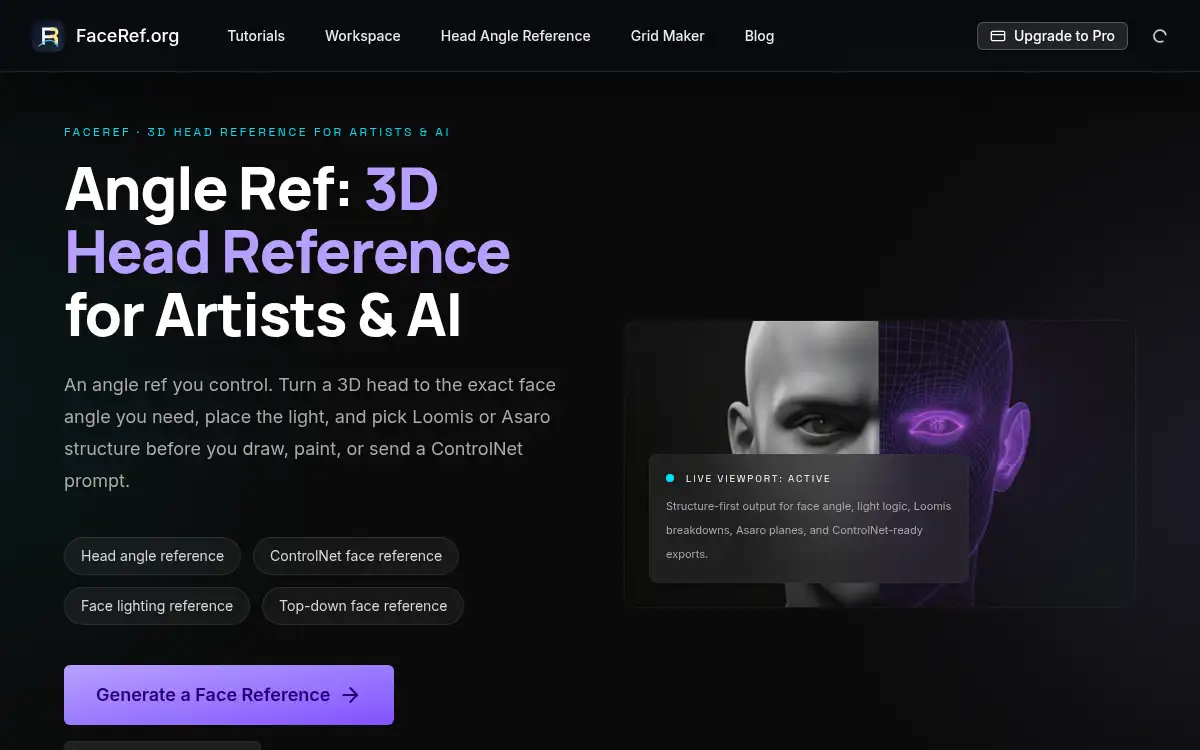
Open SiteFaceRef is a browser-based 3D head reference for artists and AI portrait work. Orbit a head to set yaw and pitch, place the key light, then export Loomis or Asaro structure sketches and ControlNet-ready depth or edge maps.
Added on November 17, 2026
Product Information
What is FaceRef?
FaceRef, also presented as Angle Ref, is a 3D head reference tool in the browser. You orbit the built-in head to the exact yaw and pitch you need, move the key light to study portrait shadows such as Rembrandt lighting, and then generate a structure-first sketch instead of hunting through photo packs. Exports include Loomis construction sketches, Asaro plane studies, and depth or edge maps meant as ControlNet input for Stable Diffusion, FLUX, and ComfyUI. A free head-angle page offers nine preset angles and a free PNG; signing in unlocks a small daily set of free renders (the site lists three per day on the free tier). Paid plans start at $4.99 a month for higher-resolution exports and a printable nine-angle sheet, with a $9.90 unlimited option for heavier use.
How to use FaceRef?
- 1. Open faceref.org and orbit the 3D head, or pick a preset such as three-quarter, profile, high angle, low angle, top-down, or worm's-eye
- 2. Set yaw and pitch first so the brow, eye, and jaw lines match the turn and tilt you want to draw
- 3. Place and intensity-adjust the key light to test portrait shadows, including a Rembrandt-style triangle, on that same angle
- 4. Generate a structure sketch in Loomis or Asaro mode, or export a depth or edge map for ControlNet
- 5. Download a PNG for drawing practice, or sign in if you need the daily free renders, higher-resolution exports, or the printable nine-angle sheet
Core Features
- • Controllable 3D head — Full 360° orbit with yaw and pitch, including top-down and worm's-eye views
- • Portrait lighting — Move the key light and change its intensity to study Rembrandt and other shadow designs before you draw
- • Loomis and Asaro exports — Structure-first sketches for construction drawing and planar studies
- • ControlNet-ready maps — Depth and edge exports for Stable Diffusion, FLUX, and ComfyUI portrait workflows
- • Nine-angle reference — A free preset set and PNG; Pro adds a printable A4/Letter angle sheet and higher-resolution or transparent exports
- • Free tier plus plans — Sign-in free renders by the day, then Pro at $4.99/month or Pro Unlimited at $9.90/month
Use Cases
- • Build an exact face angle and lighting setup before starting a portrait drawing
- • Practice Loomis or Asaro structure on extreme angles that photo packs rarely include
- • Export a depth or edge map to keep head pose consistent in Stable Diffusion, FLUX, or ComfyUI
- • Print a nine-angle sheet for character turnarounds or classroom head studies