GFX Forge
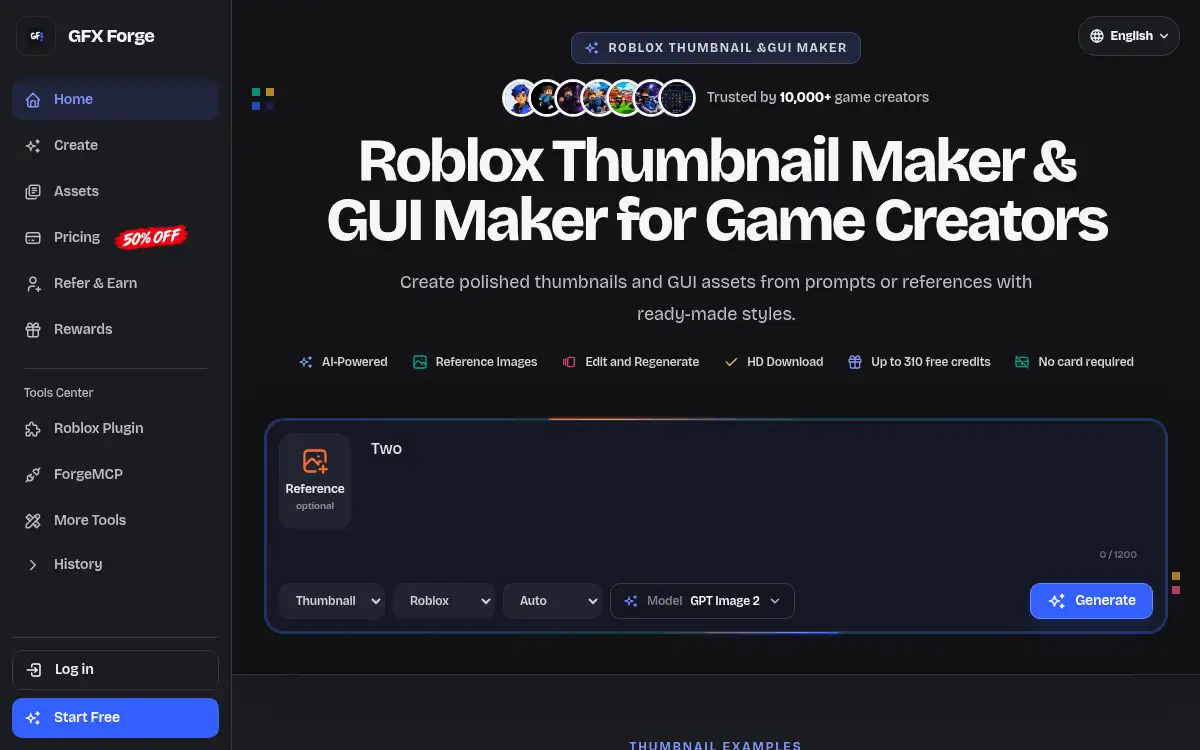
Open SiteGFX Forge is an AI workspace for game creators to make Roblox-style thumbnails and GUI assets from prompts or reference images. It offers platform style presets, connected editing, HD downloads, and free credits with no card required.
Added on November 15, 2026
Product Information
What is GFX Forge?
GFX Forge is a browser-based AI thumbnail and GUI maker for game creators. You describe a scene, choose a platform style such as Roblox, Minecraft, Unity, or Fortnite, optionally upload references, and generate one to four image directions to compare. The thumbnail tools aim for bold, mobile-readable 16:9 compositions; the GUI maker can produce HUDs, menus, panels, buttons, inventory cards, shop screens, quest logs, and similar interface pieces (character skins are not supported). After a result comes back, you can request targeted edits, keep generation history, and download a high-resolution file. The site advertises up to 310 free credits with no card required, and paid plans add private generation, connected editing, saved history, and HD downloads, billed through Stripe. The listed model is GPT Image 2.
How to use GFX Forge?
- 1. Open gfxforge.io and start a thumbnail or GUI job
- 2. Choose a platform style (Roblox, Minecraft, Unity, or Fortnite) and, for thumbnails, a theme such as Horror Escape, Fantasy Adventure, or Tycoon Upgrade
- 3. Describe the scene or interface in a prompt, and optionally upload a reference image
- 4. Generate and compare the outputs, then request targeted changes if needed
- 5. Download the strongest high-resolution result for your game page, update, or interface mockup
Core Features
- • Platform style presets — Roblox, Minecraft, Unity, and Fortnite-style looks with theme options
- • Prompt and reference input — Describe a scene or upload a screenshot, sketch, or mood board
- • Multiple outputs — Generate one to four independent directions to compare
- • Connected editing — Request targeted changes after a result comes back
- • Roblox GUI maker — Create HUDs, menus, panels, buttons, shop screens, and icons (not character skins)
- • HD download and history — Save generations and download high-resolution files
- • Free credits to start — Up to 310 free credits, no card required
Use Cases
- • Draft a Roblox game thumbnail from a short prompt before a launch or update
- • Compare several style and color directions instead of starting from a blank canvas
- • Generate HUD, menu, or shop-screen GUI concepts from a description or reference
- • Refine a nearly-right image with follow-up edit instructions, then download an HD file